Use cases · Built on the platform

See the platform
design something real.

Not a list of calculators, but worked walkthroughs that chain noIM₃ tools in order, from a blank page to a buildable deliverable. Every step opens the tool, so you can pick up where the example leaves off.

● 105 tools live 9 worked walkthroughs Every step opens the tool

Worked walkthroughs

From a blank page to a deliverable

Pick a job. The tools that do it light up in order, each one feeding the next, until the deliverable is in hand.

Underground · LMR

Design an underground leaky feeder system

A new decline needs continuous two-way radio coverage end-to-end, with fleet, fixed plant, and emergency channels on one cable. You start with nothing but a length and a channel set. Here is the chain that gets you to a design a contractor can build from.
noim3.com/leaky_feeder/lcx-cable-selector
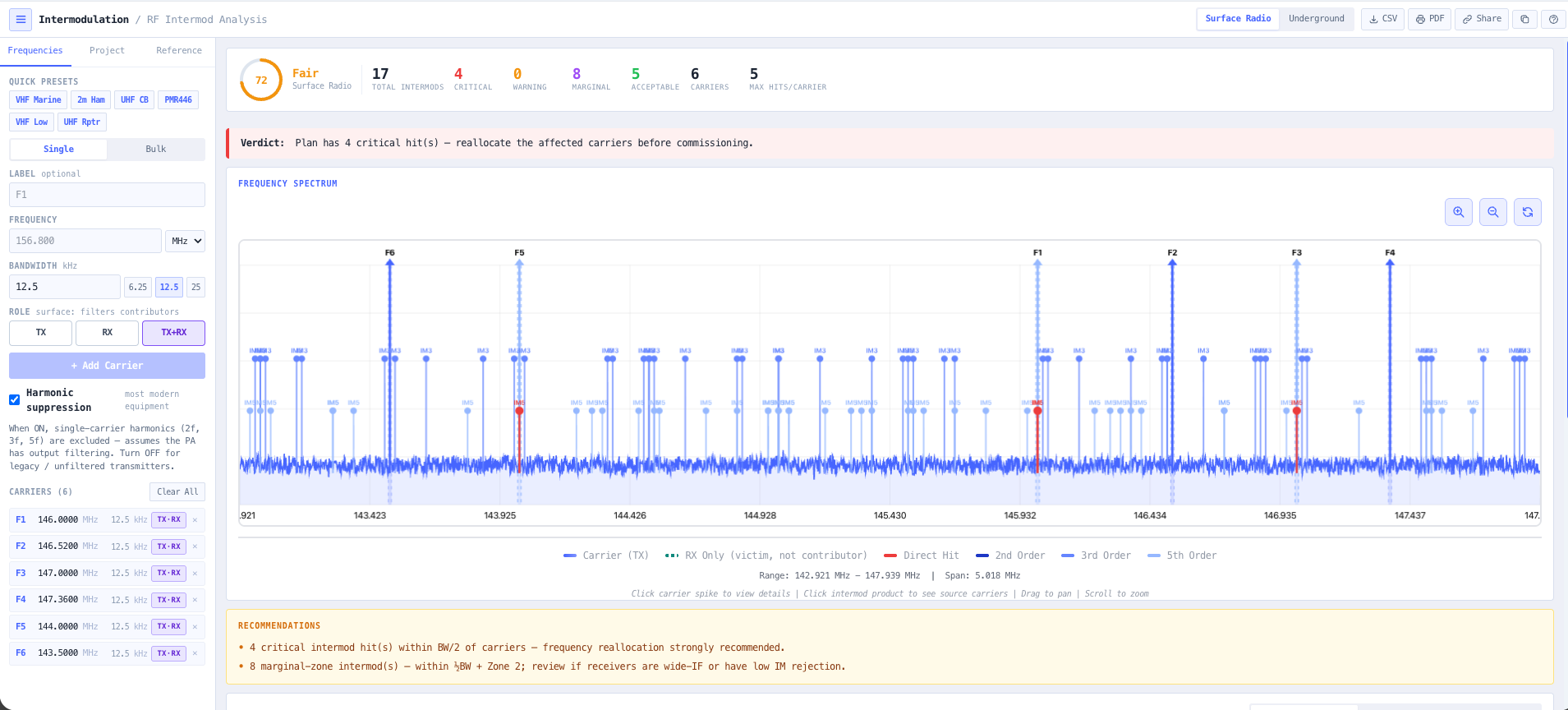
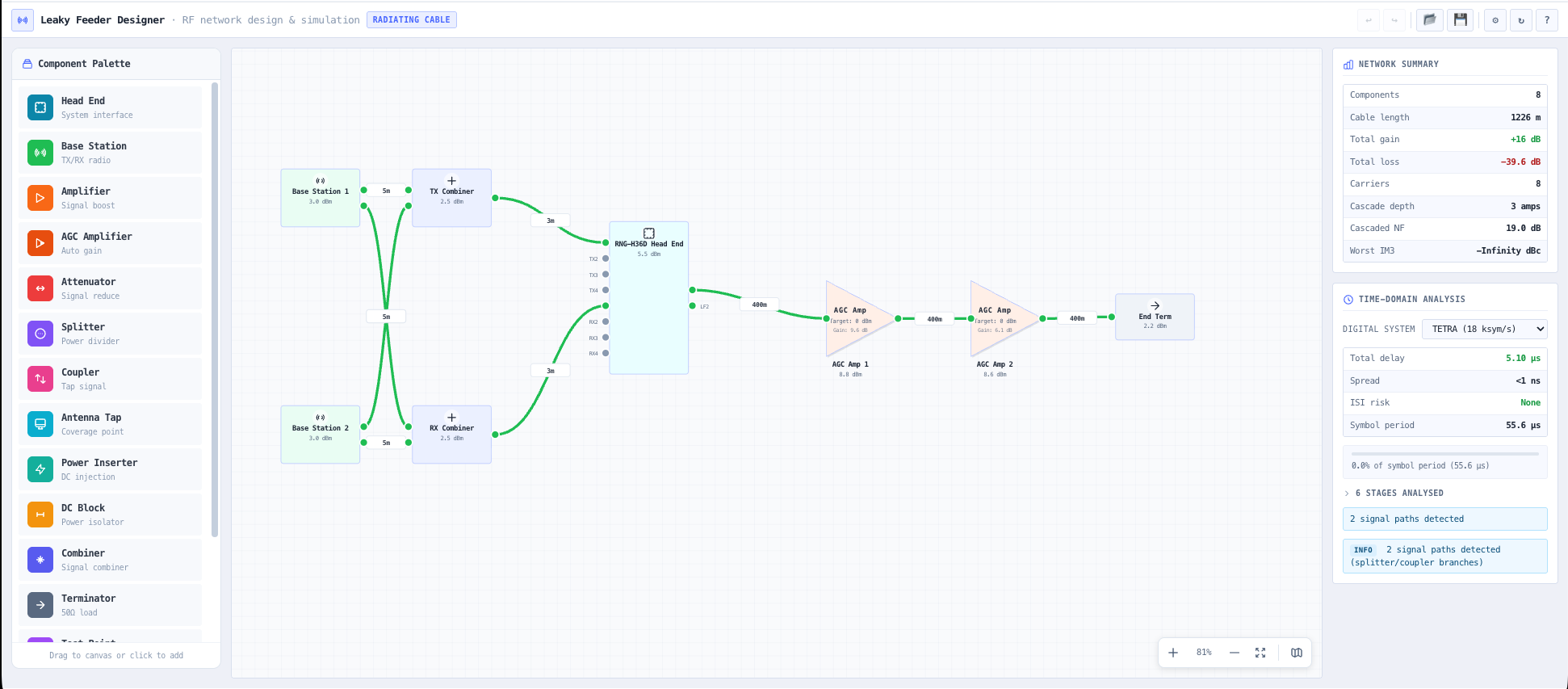
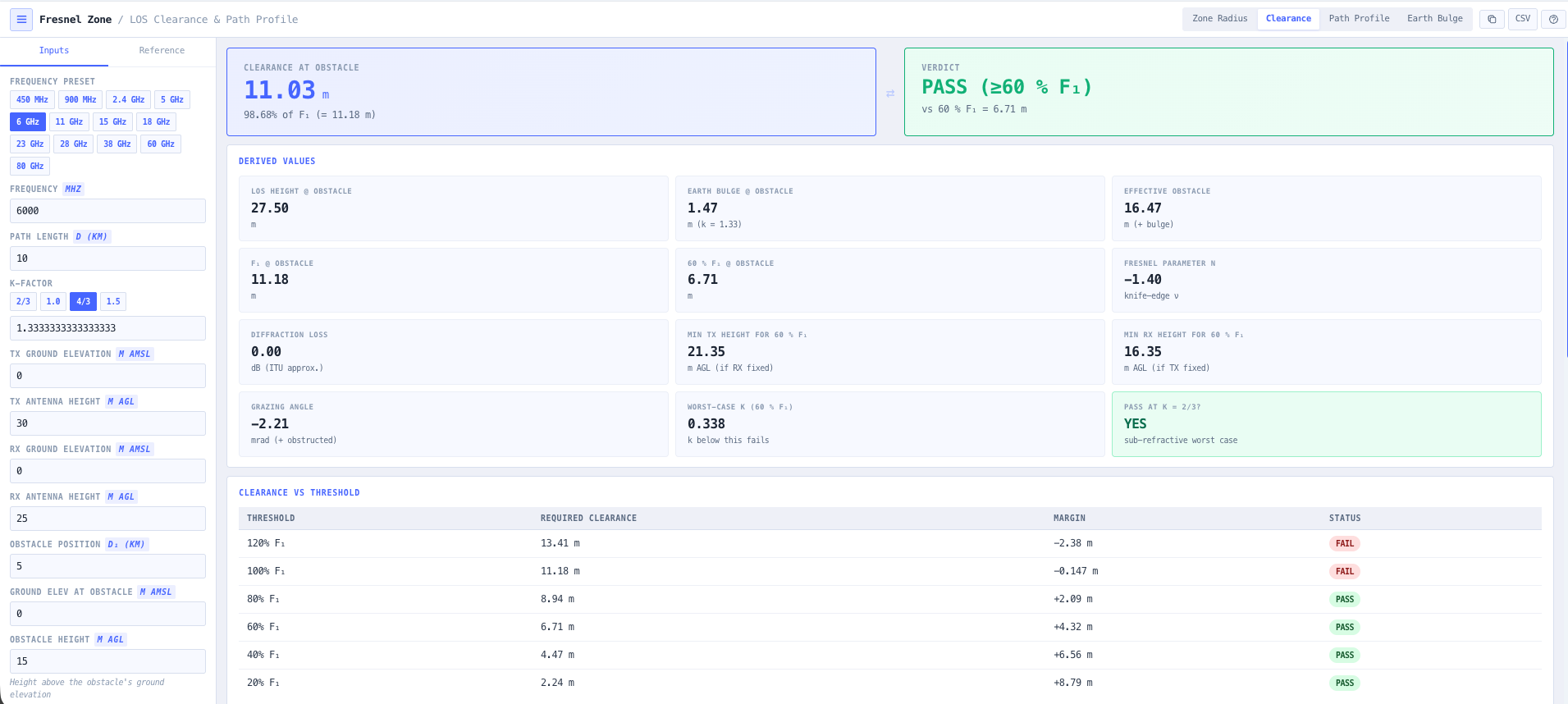
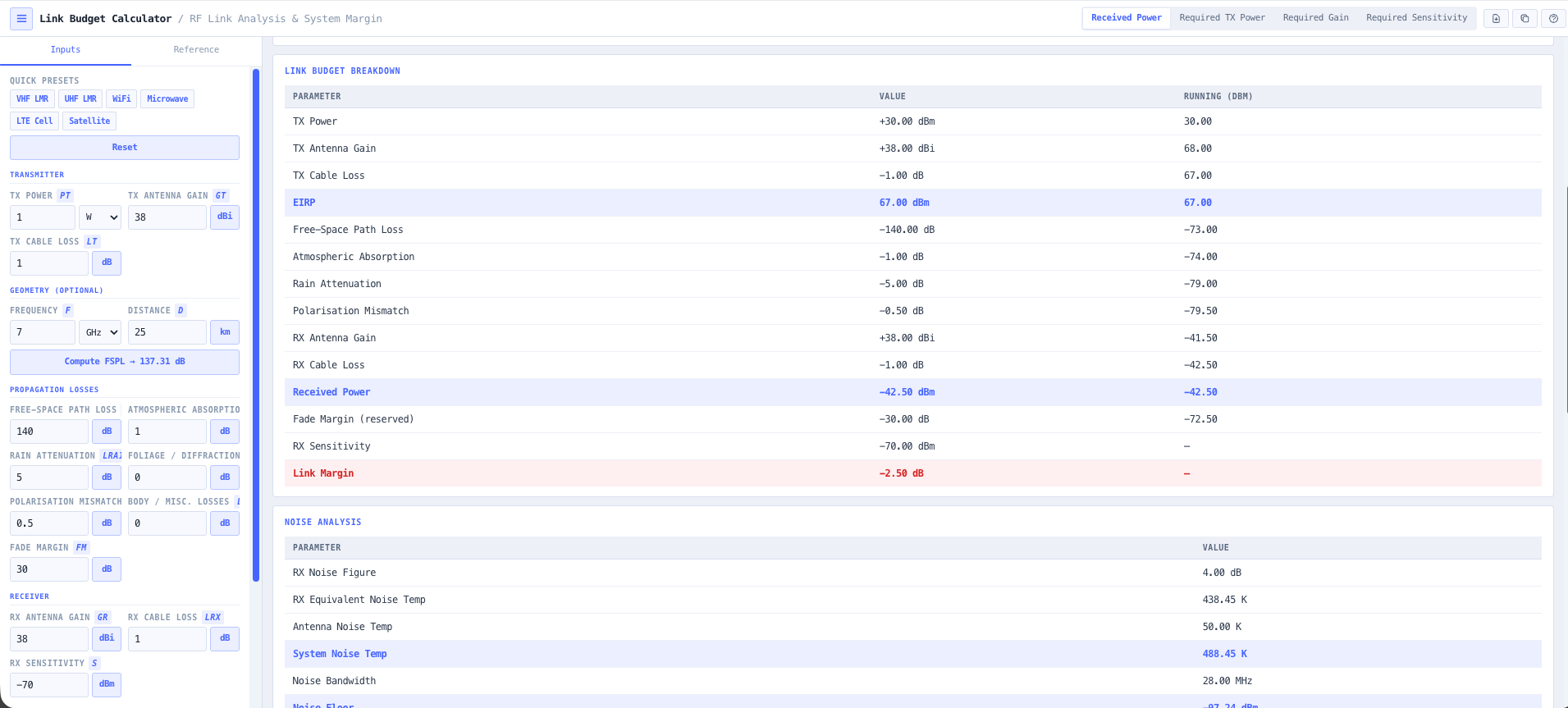
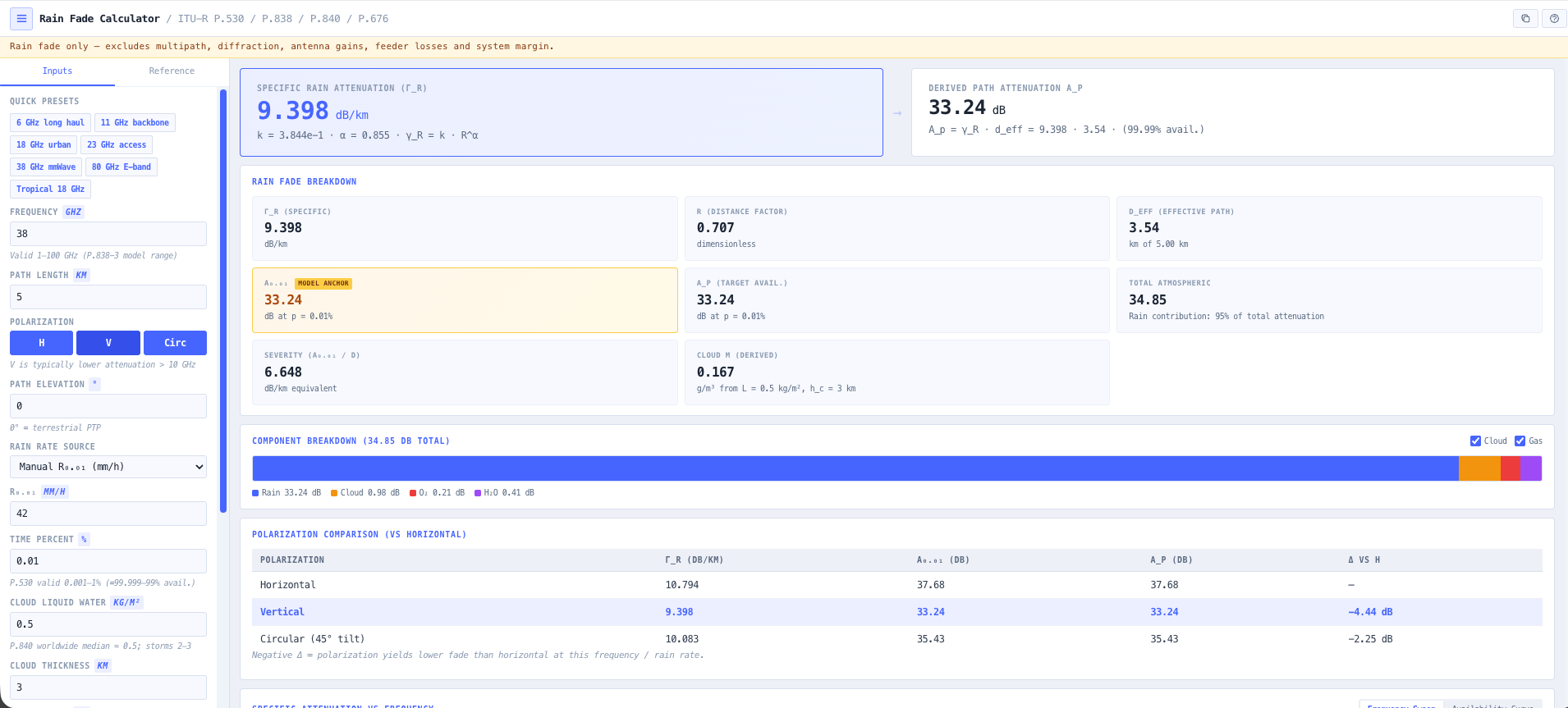
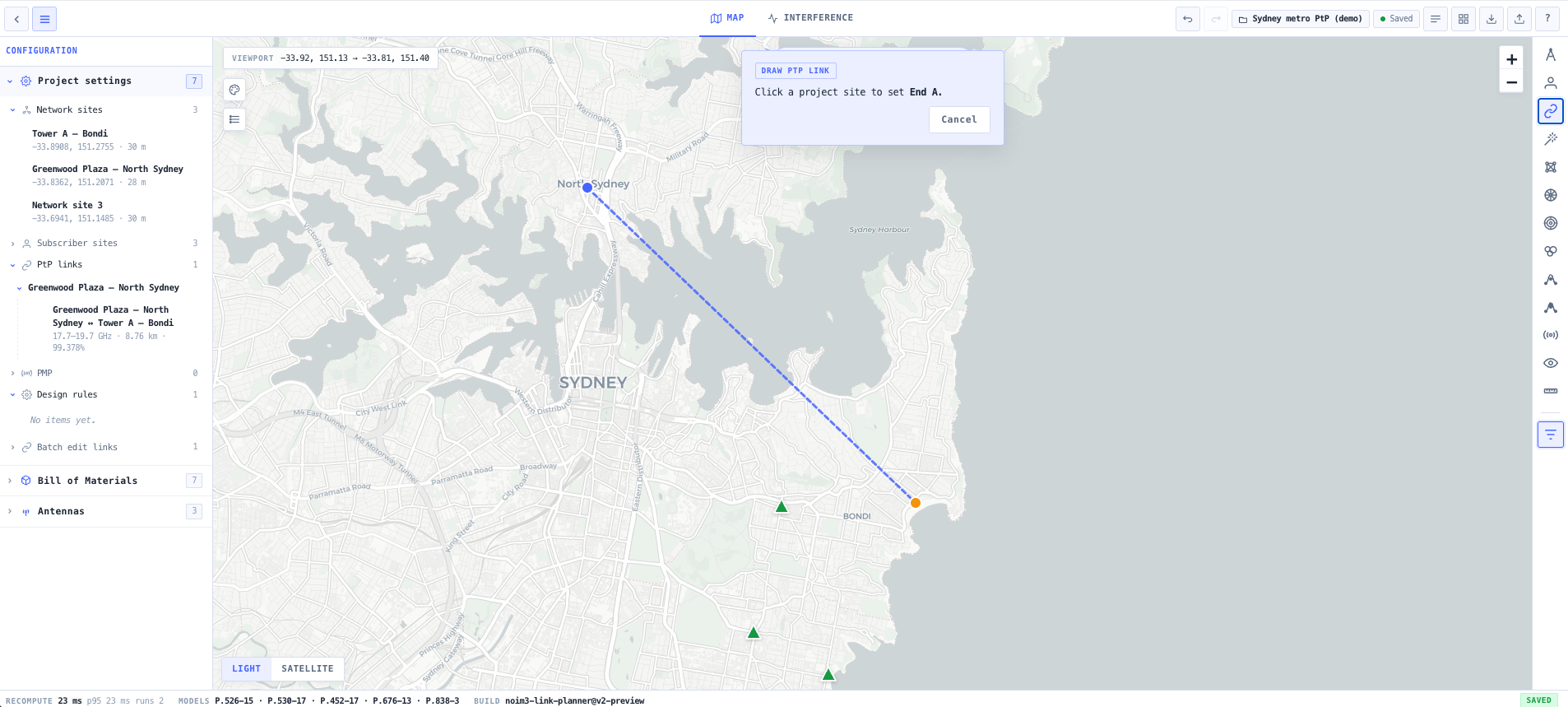
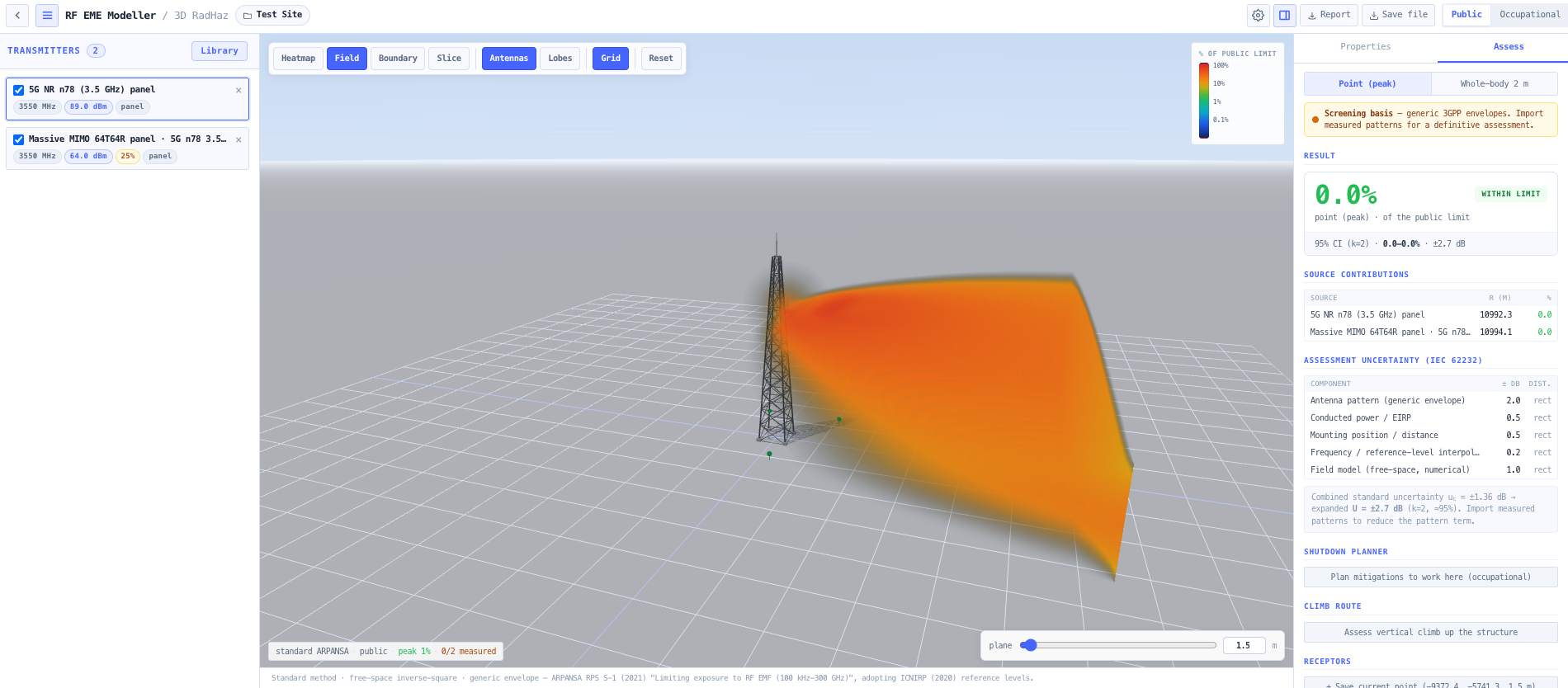
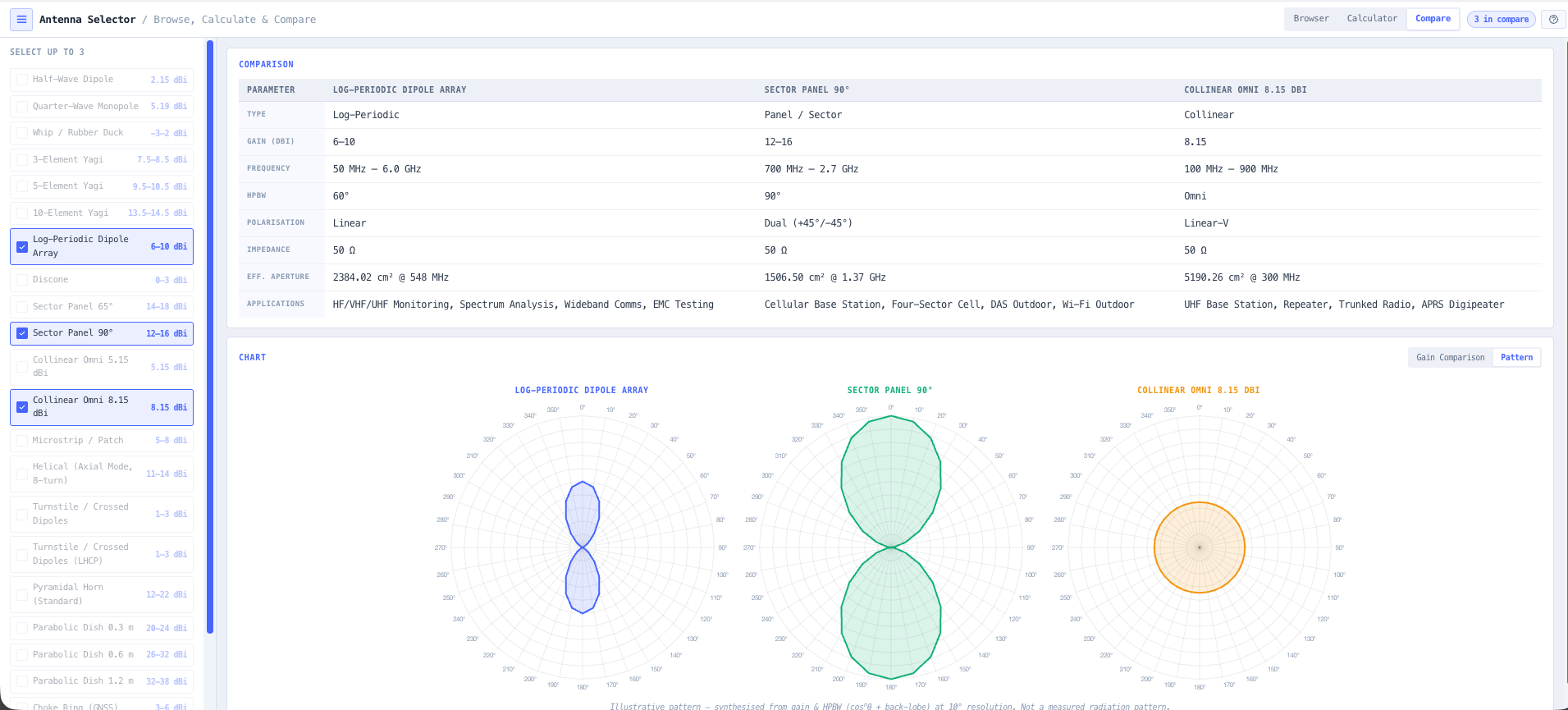
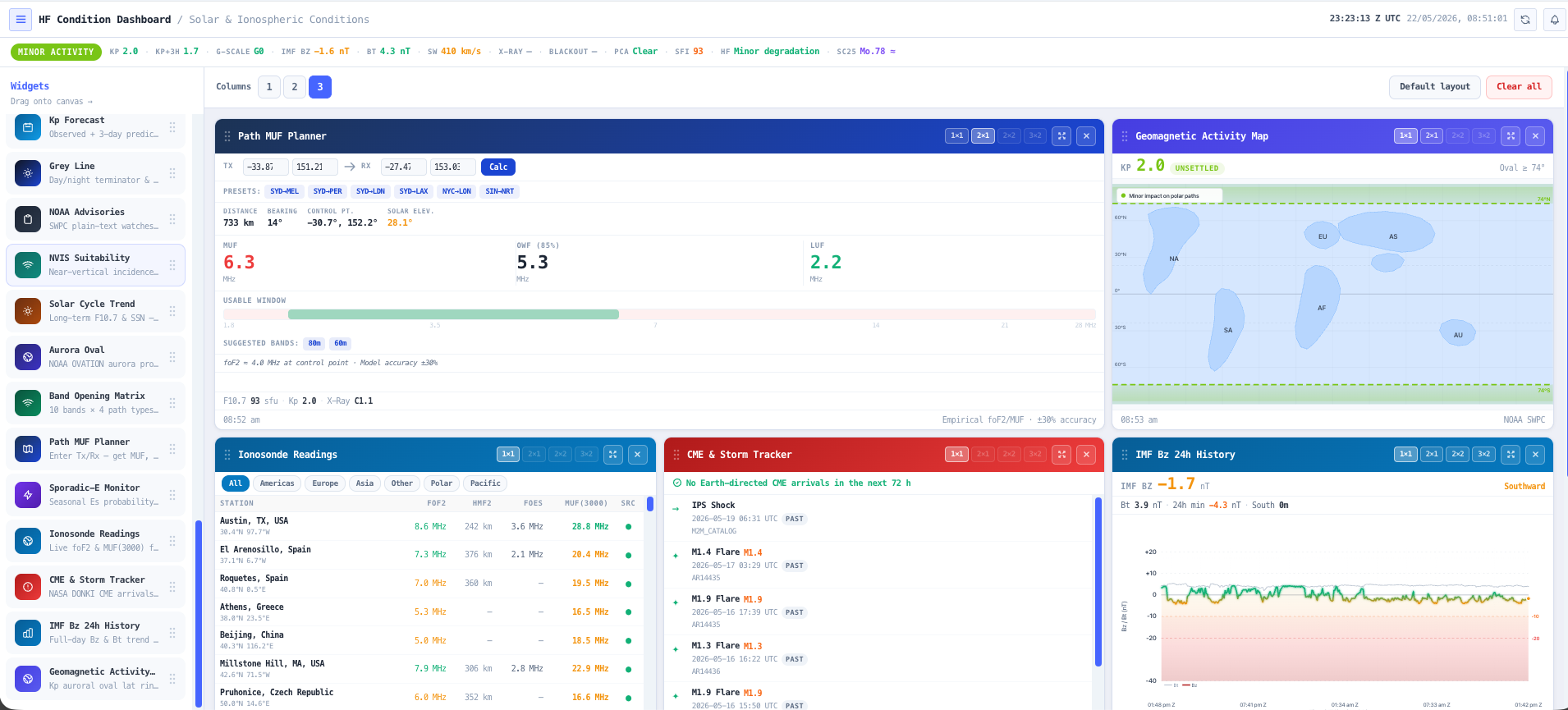
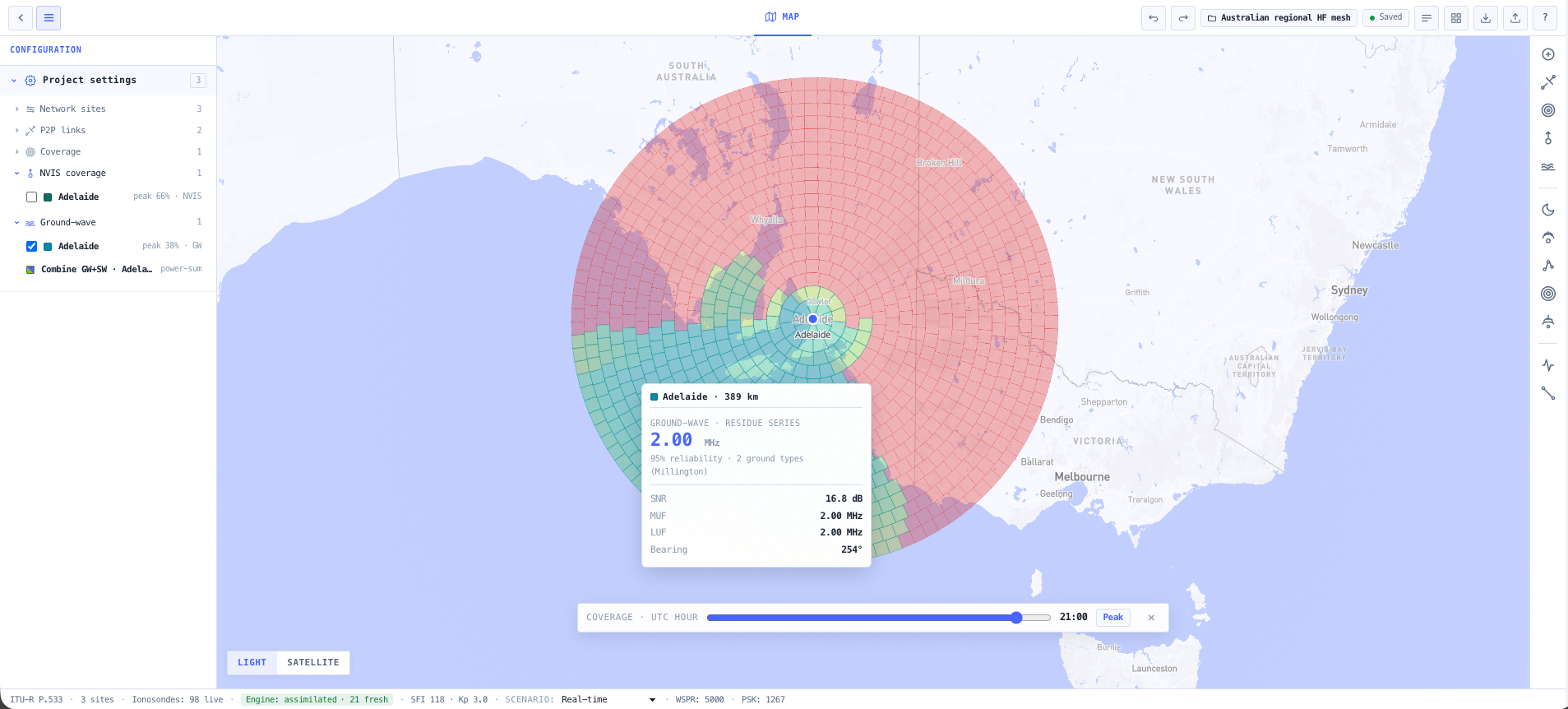
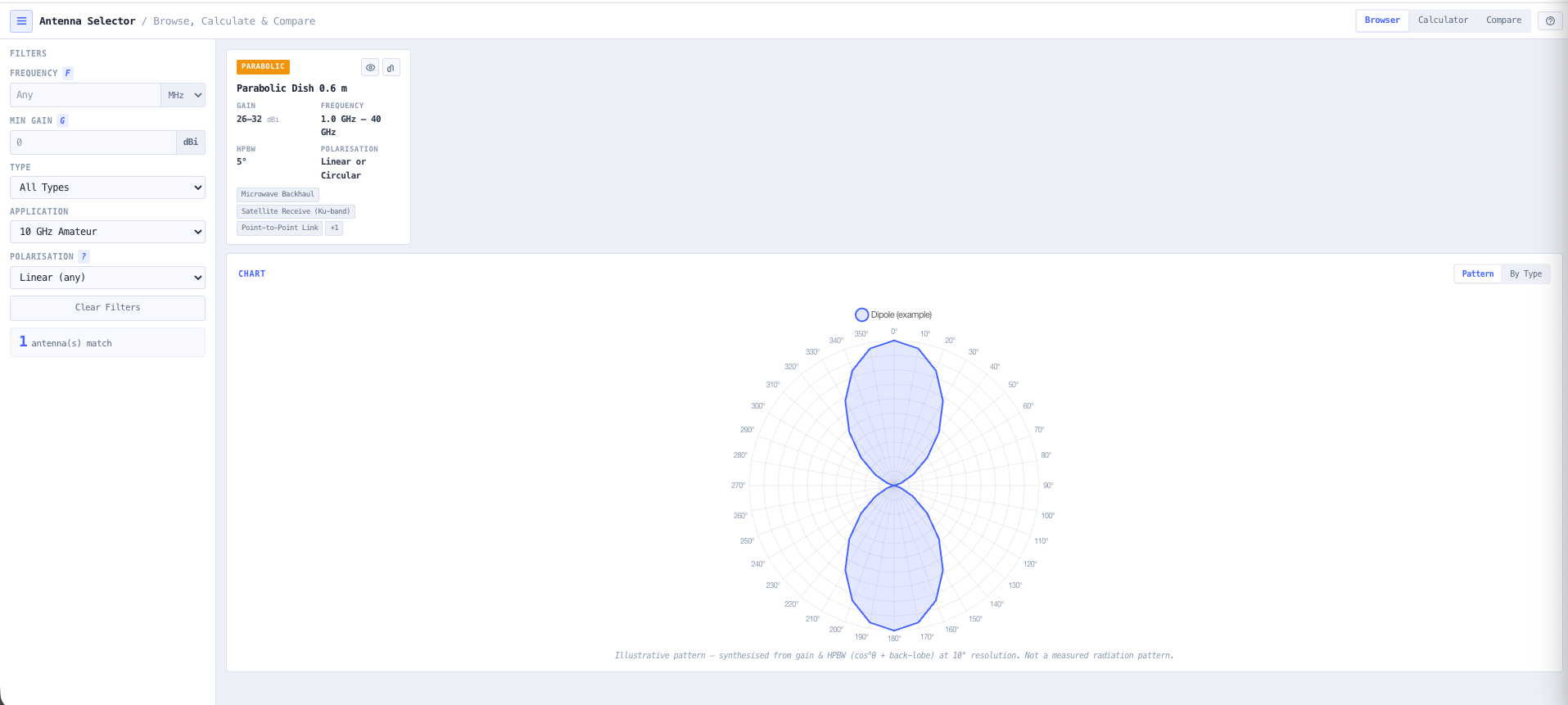
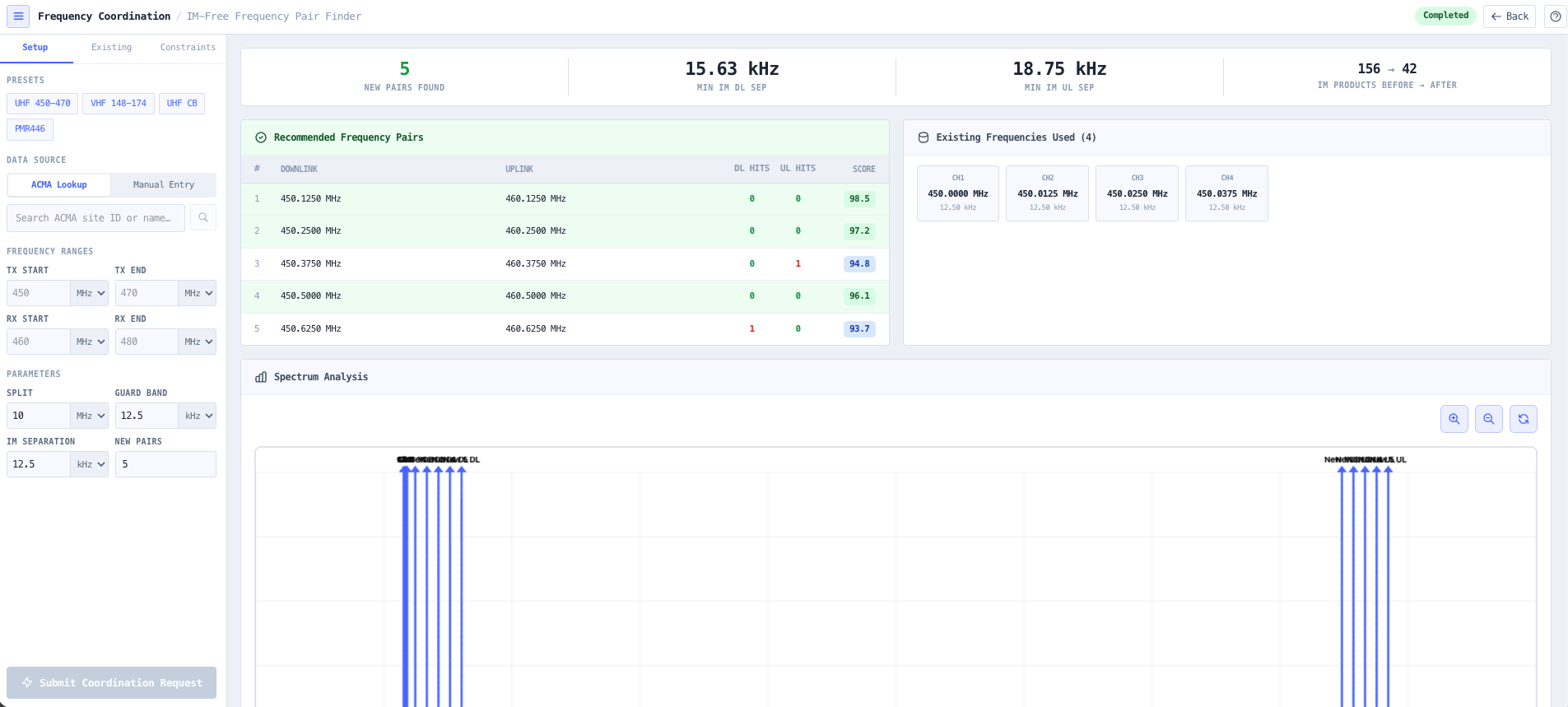
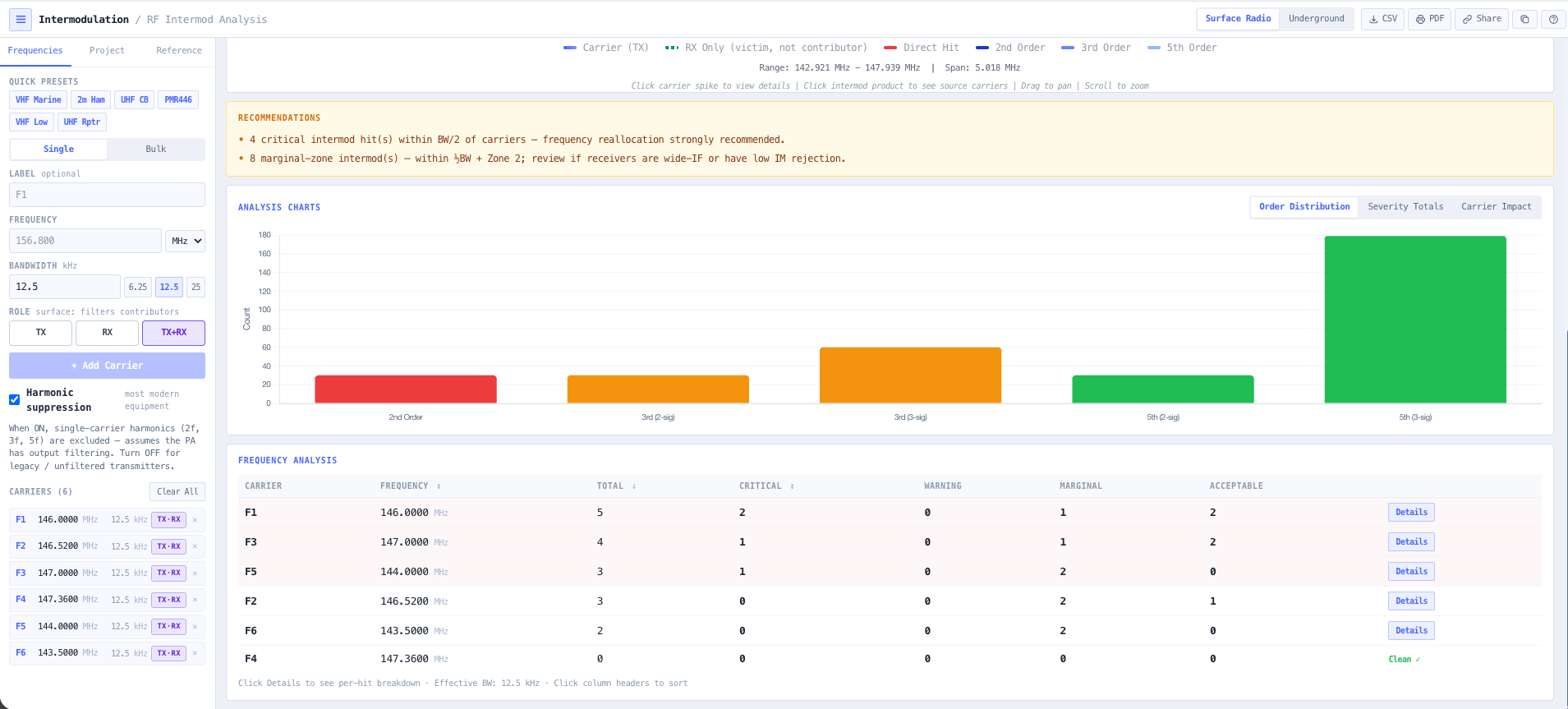
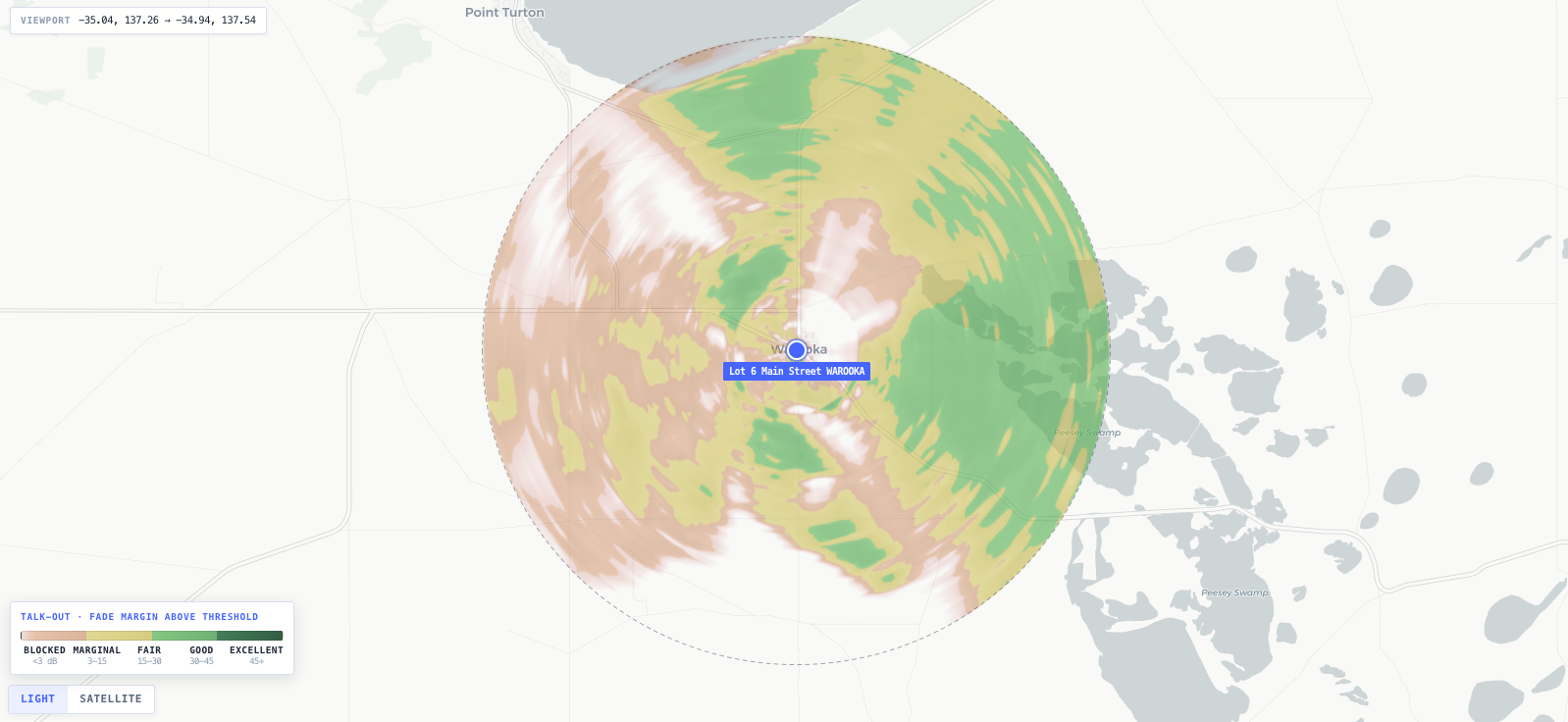
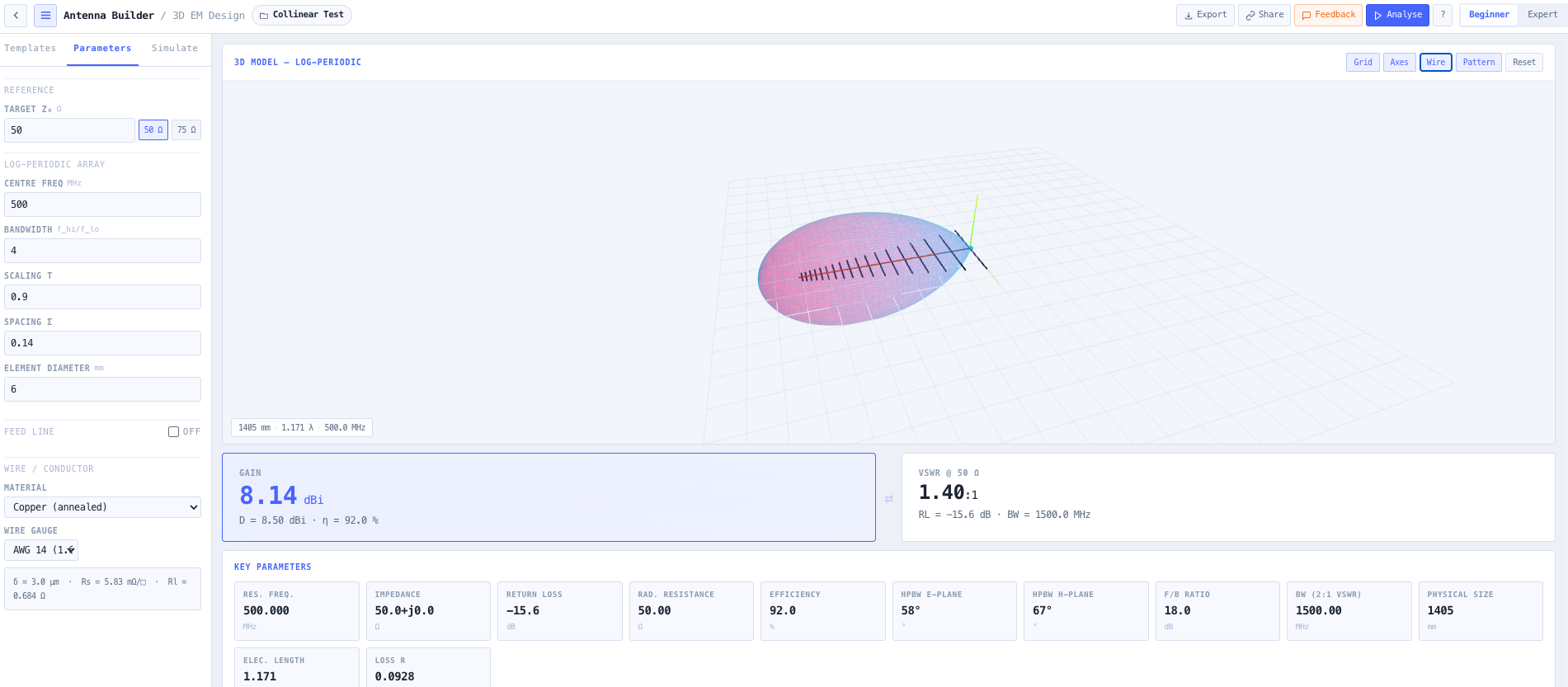
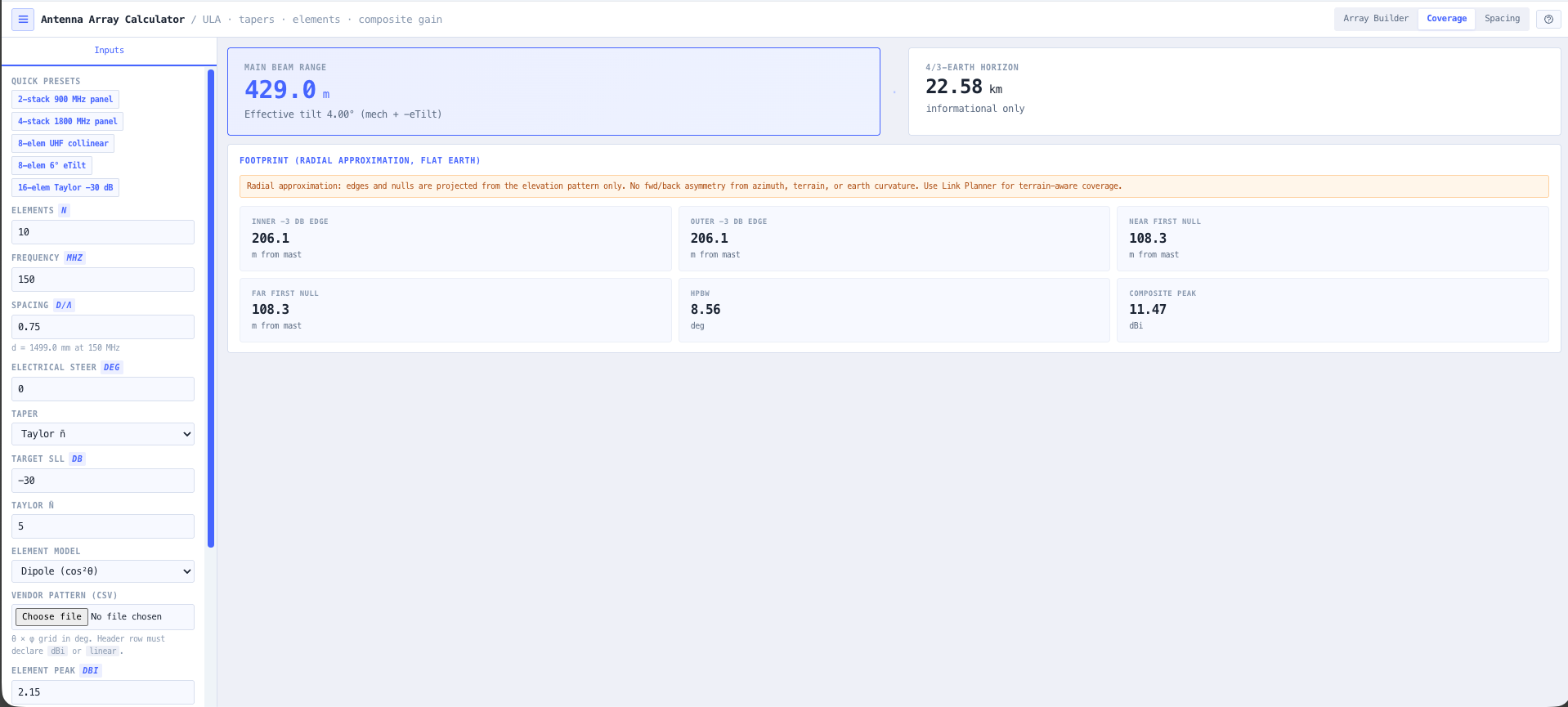
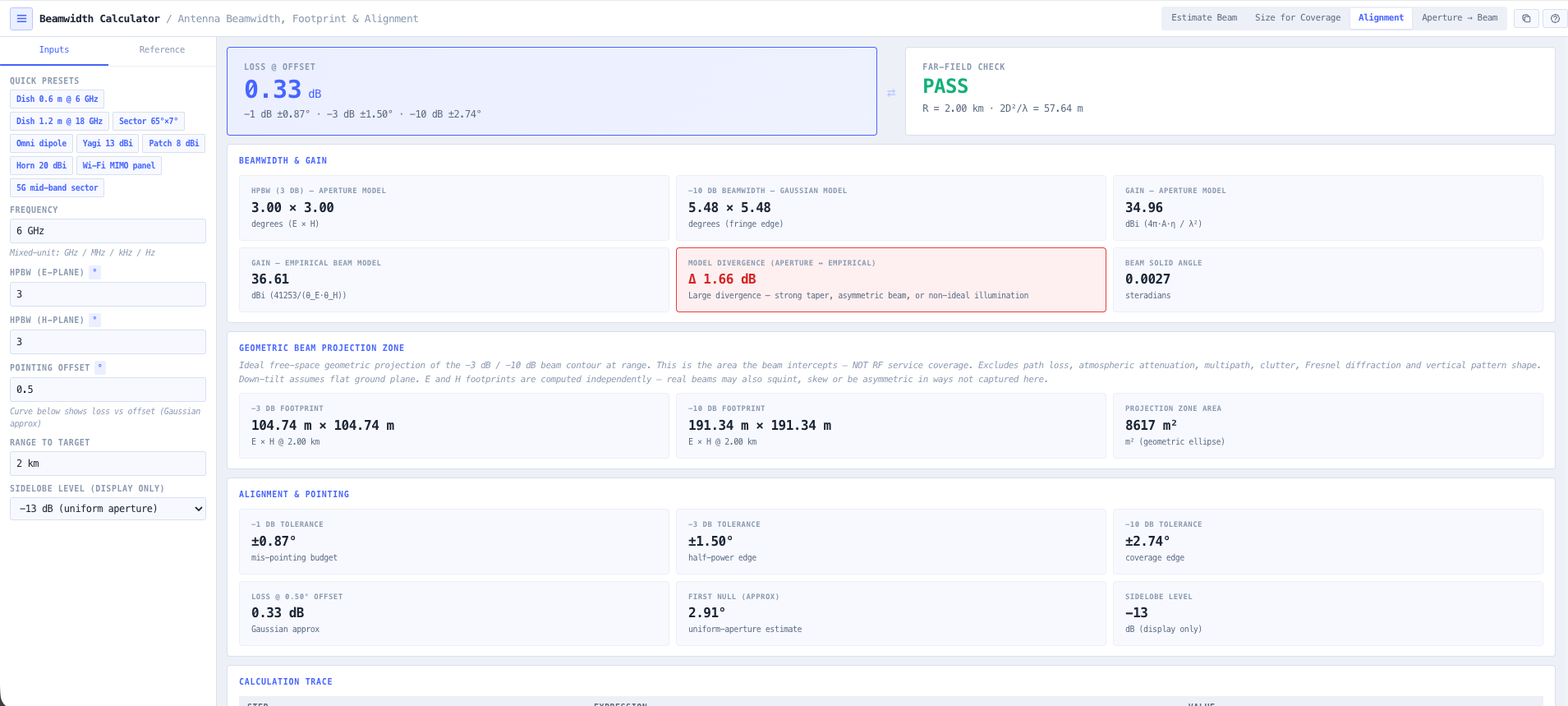
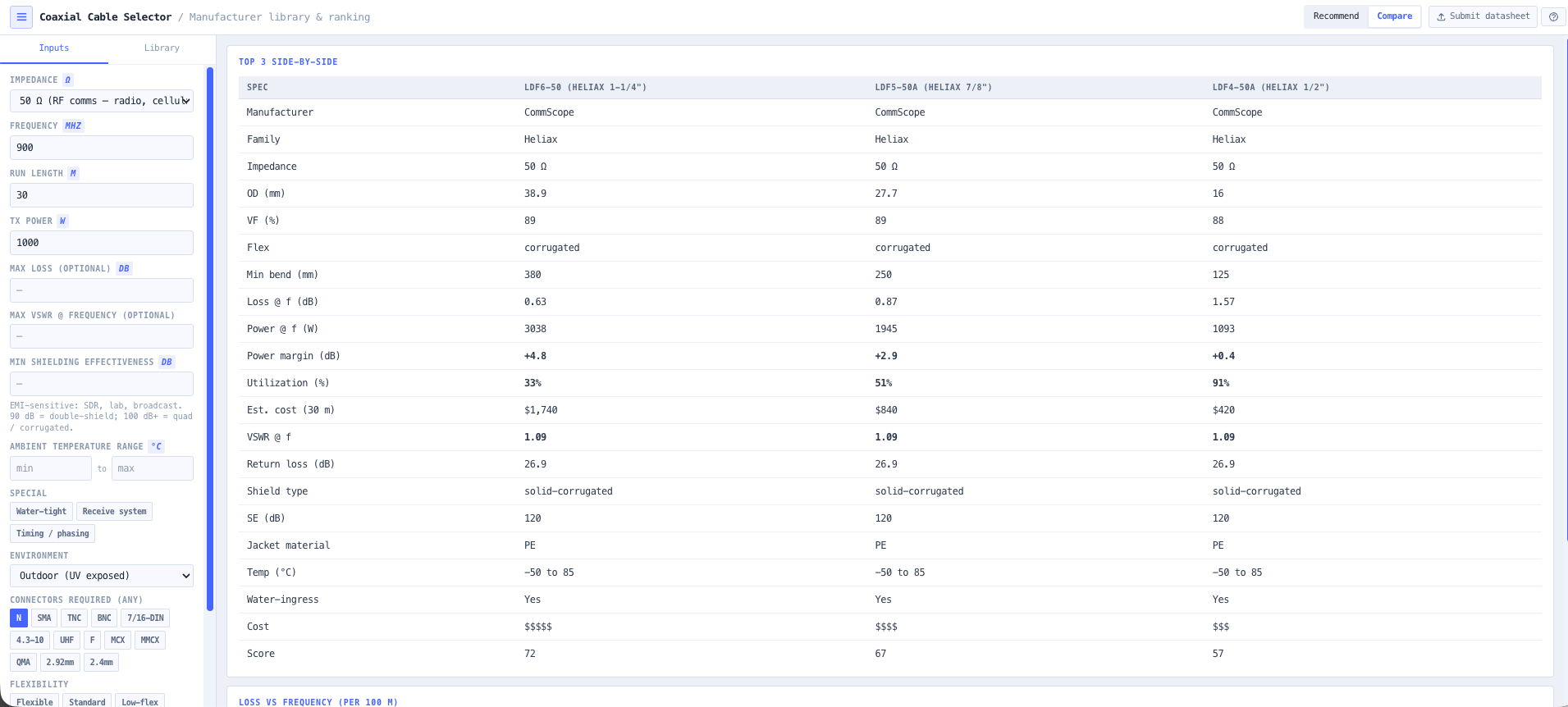
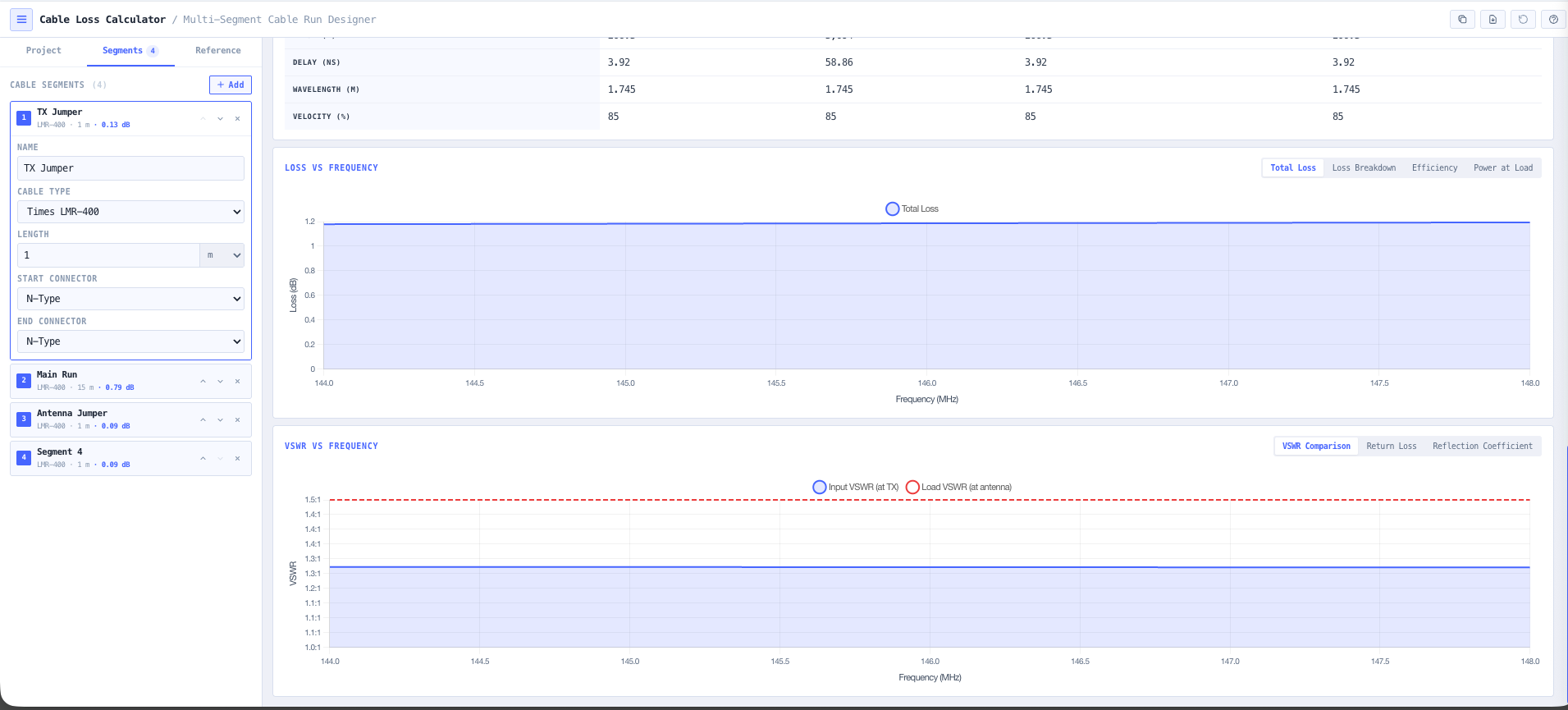
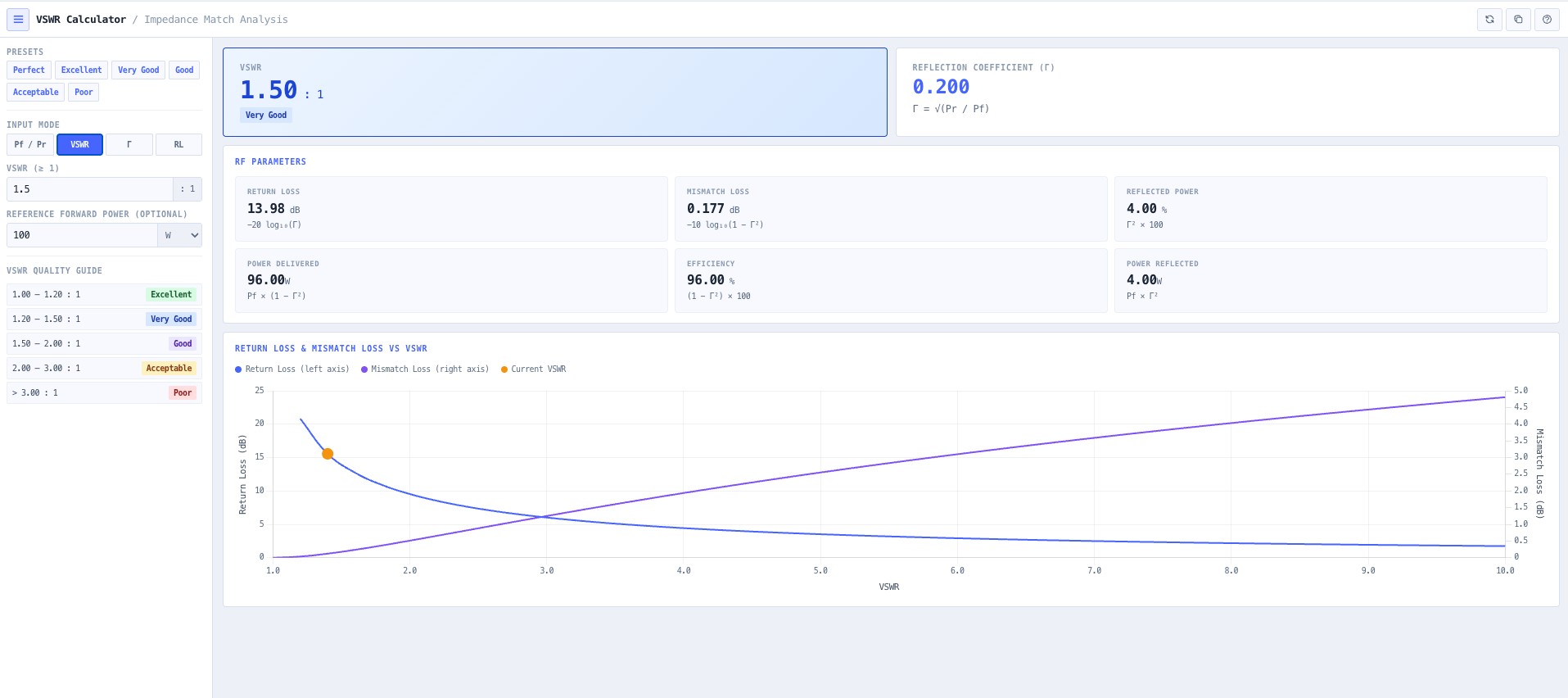
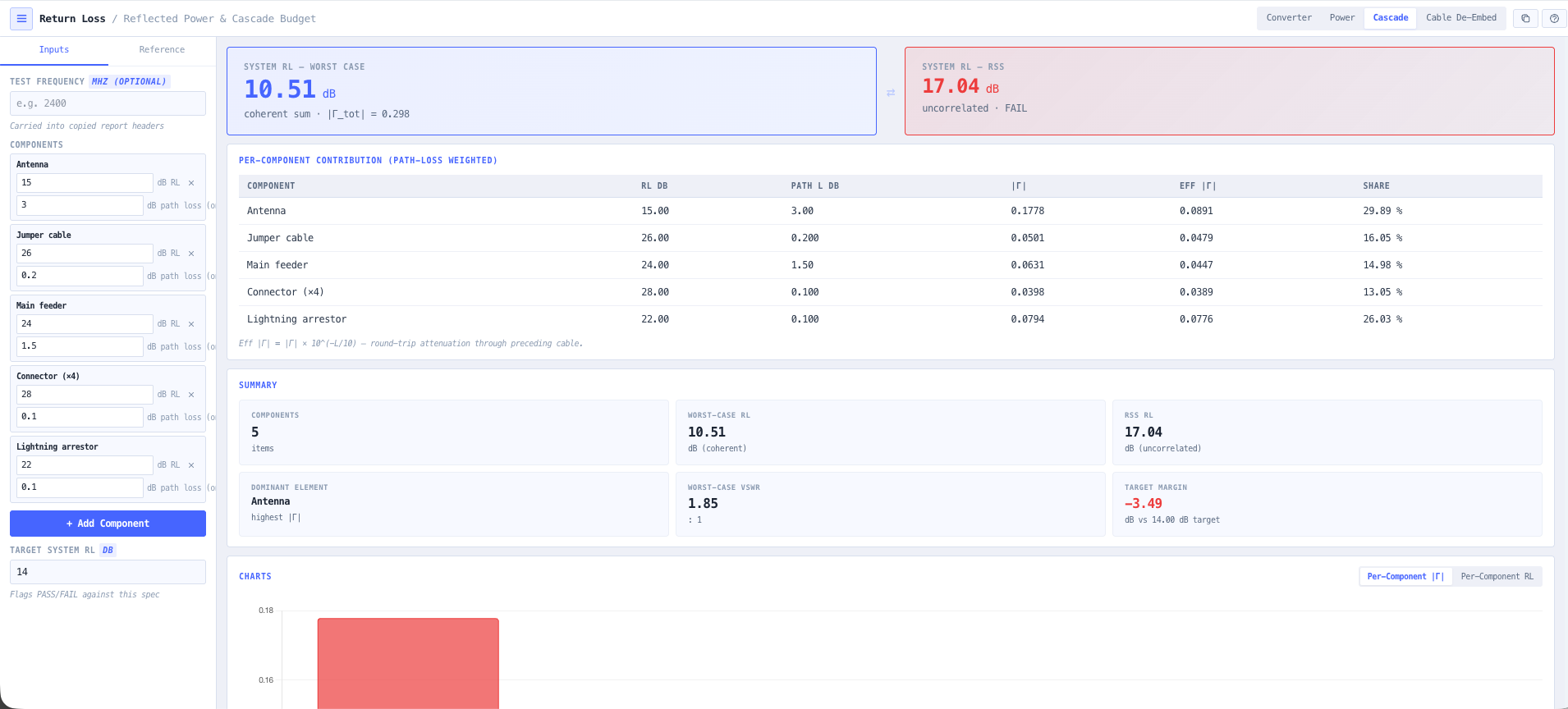
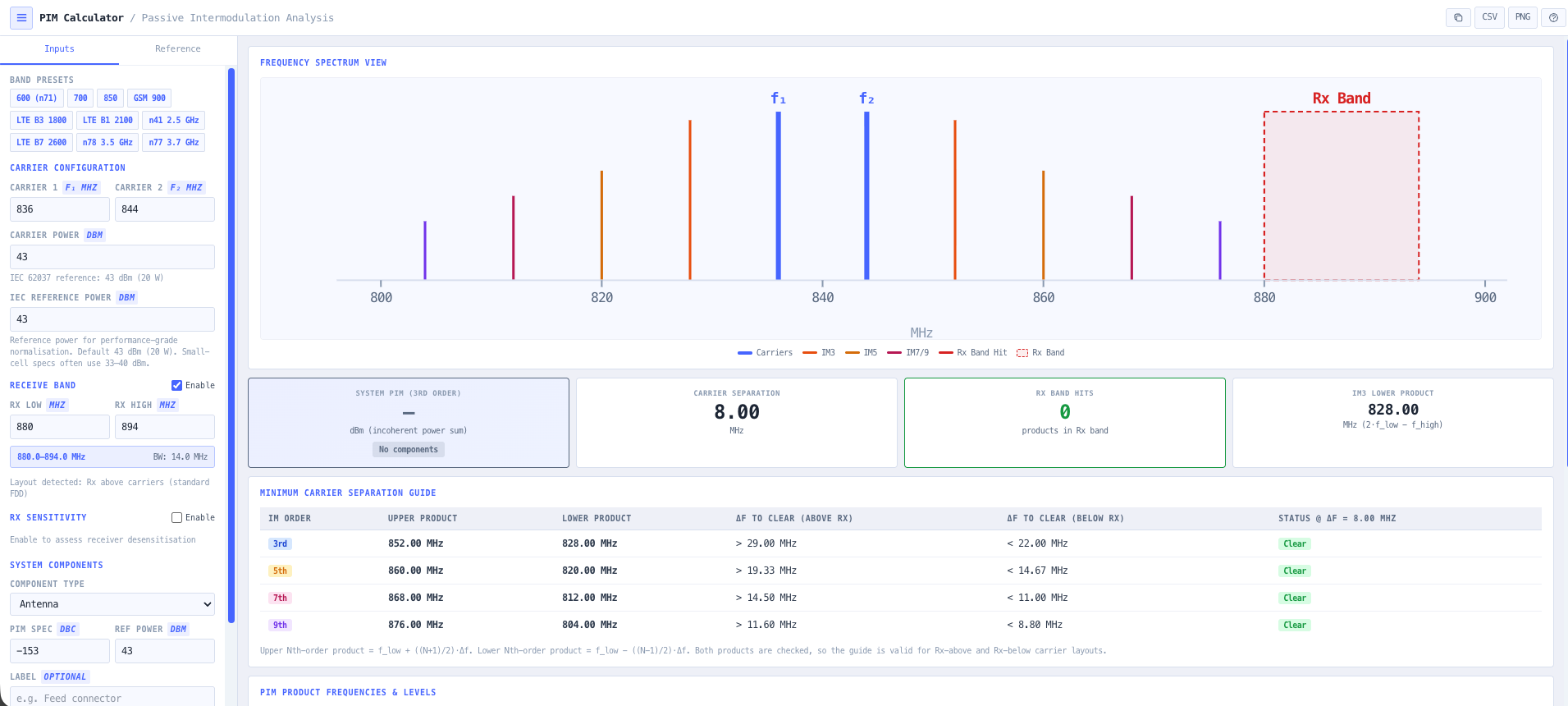
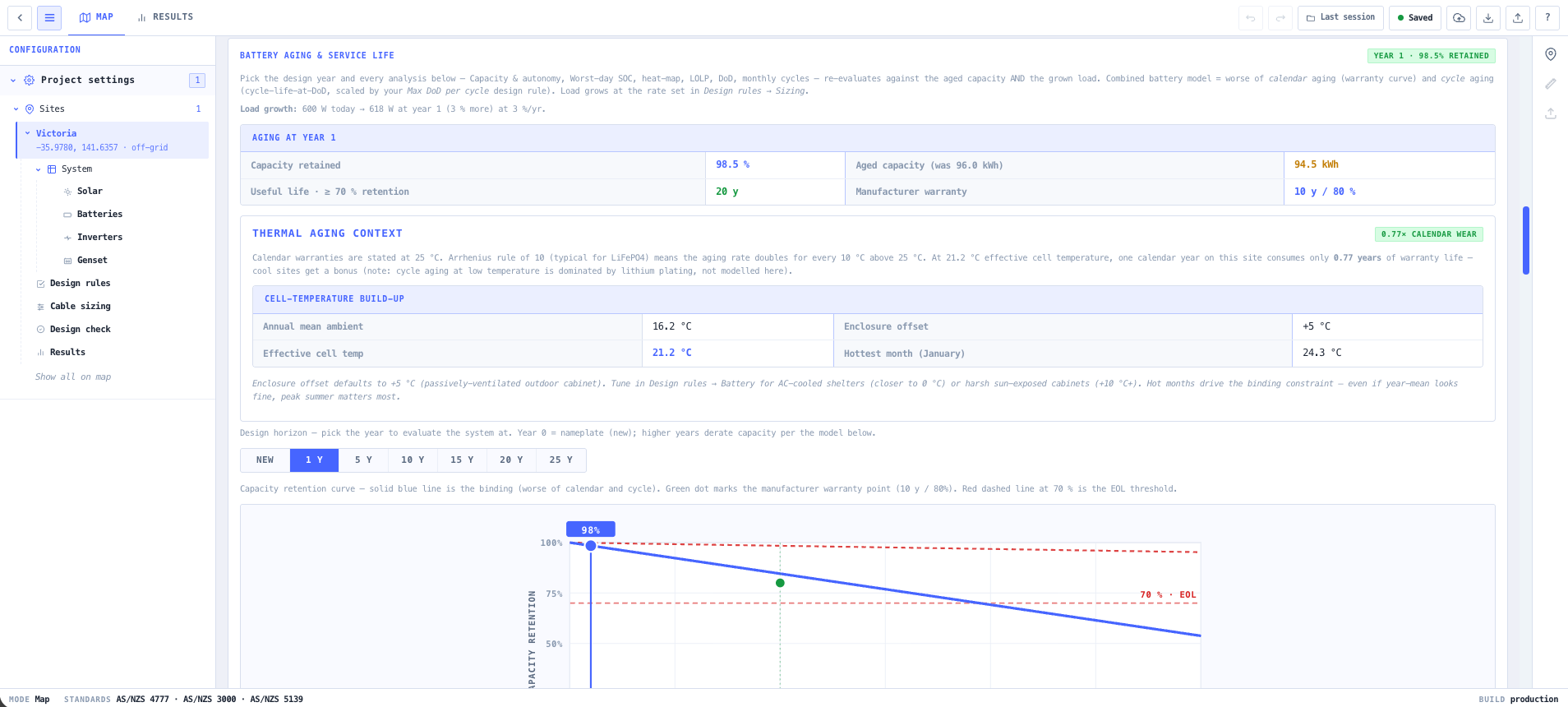
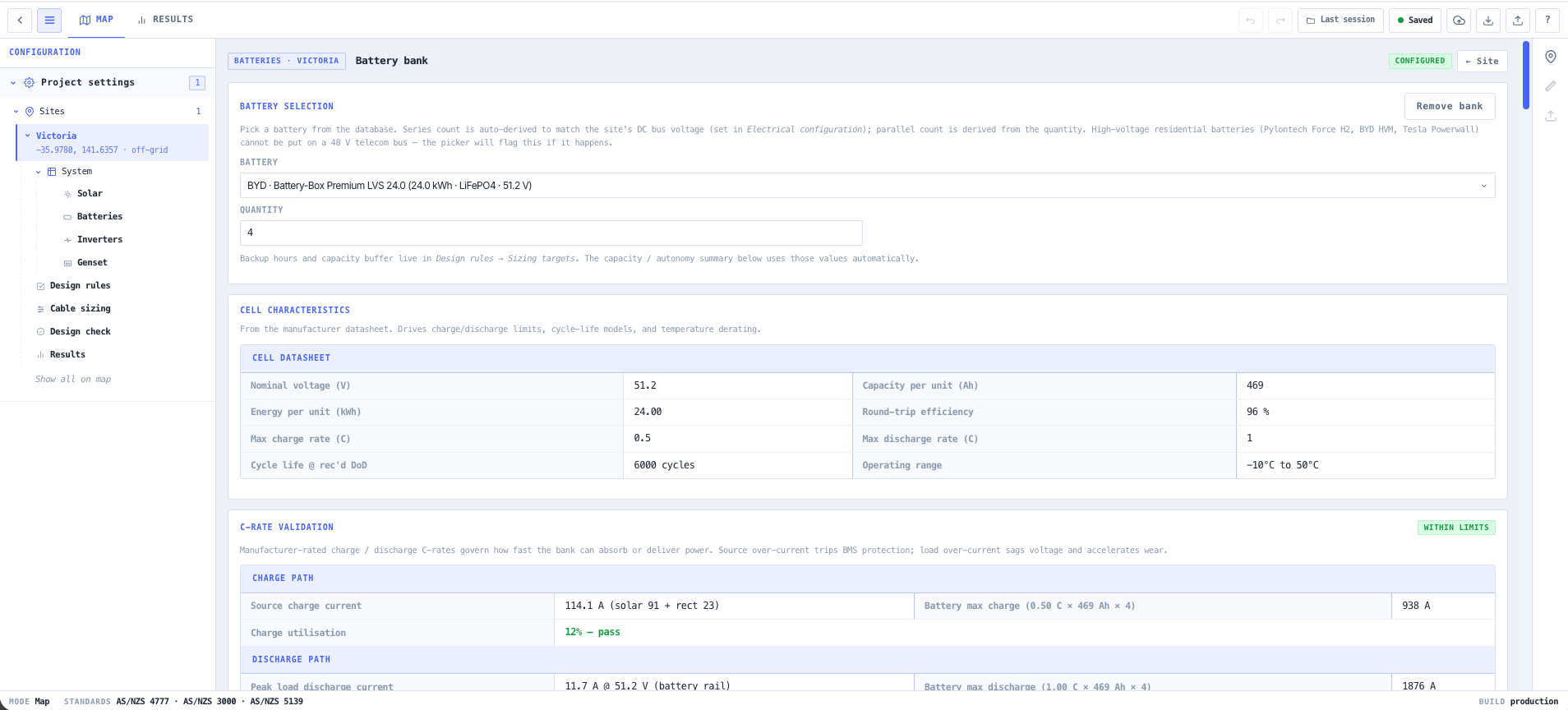
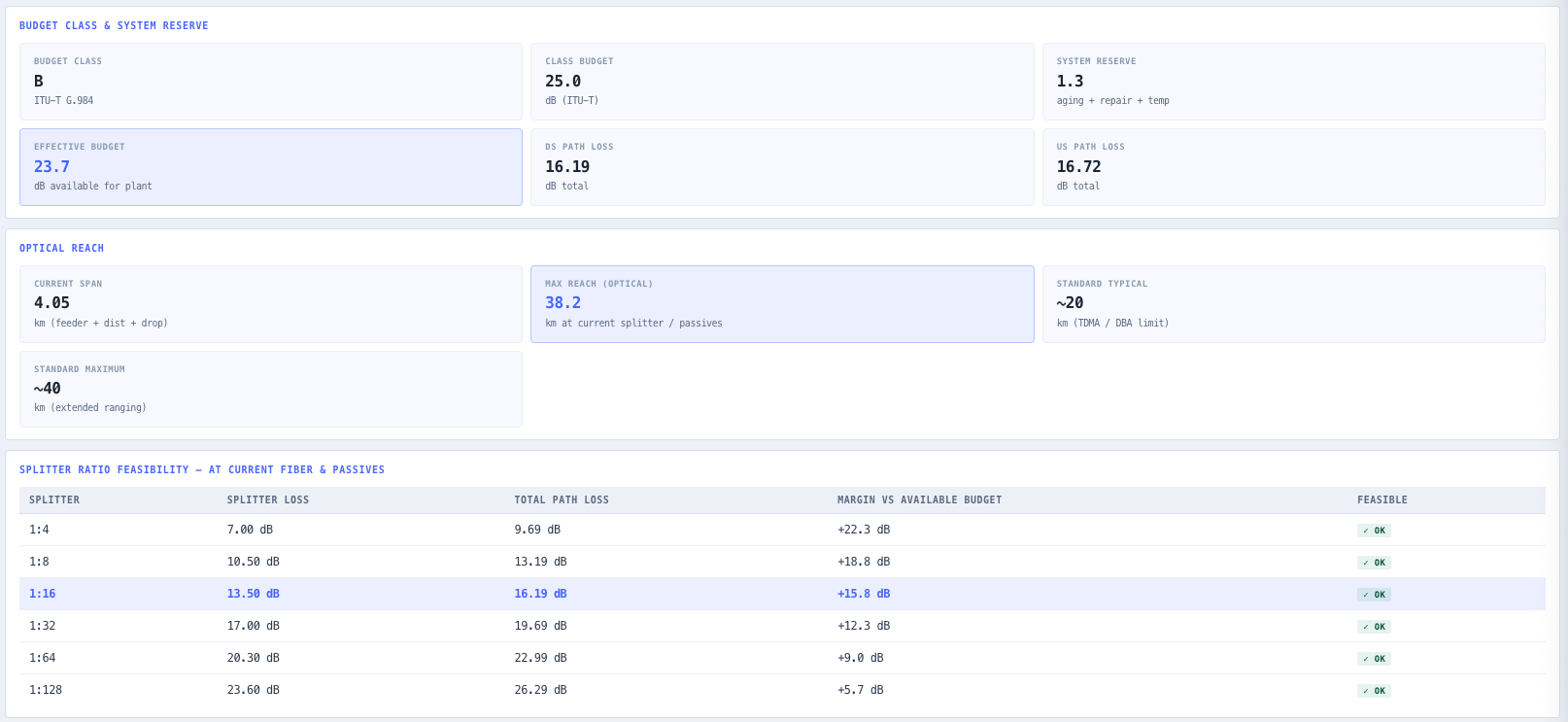
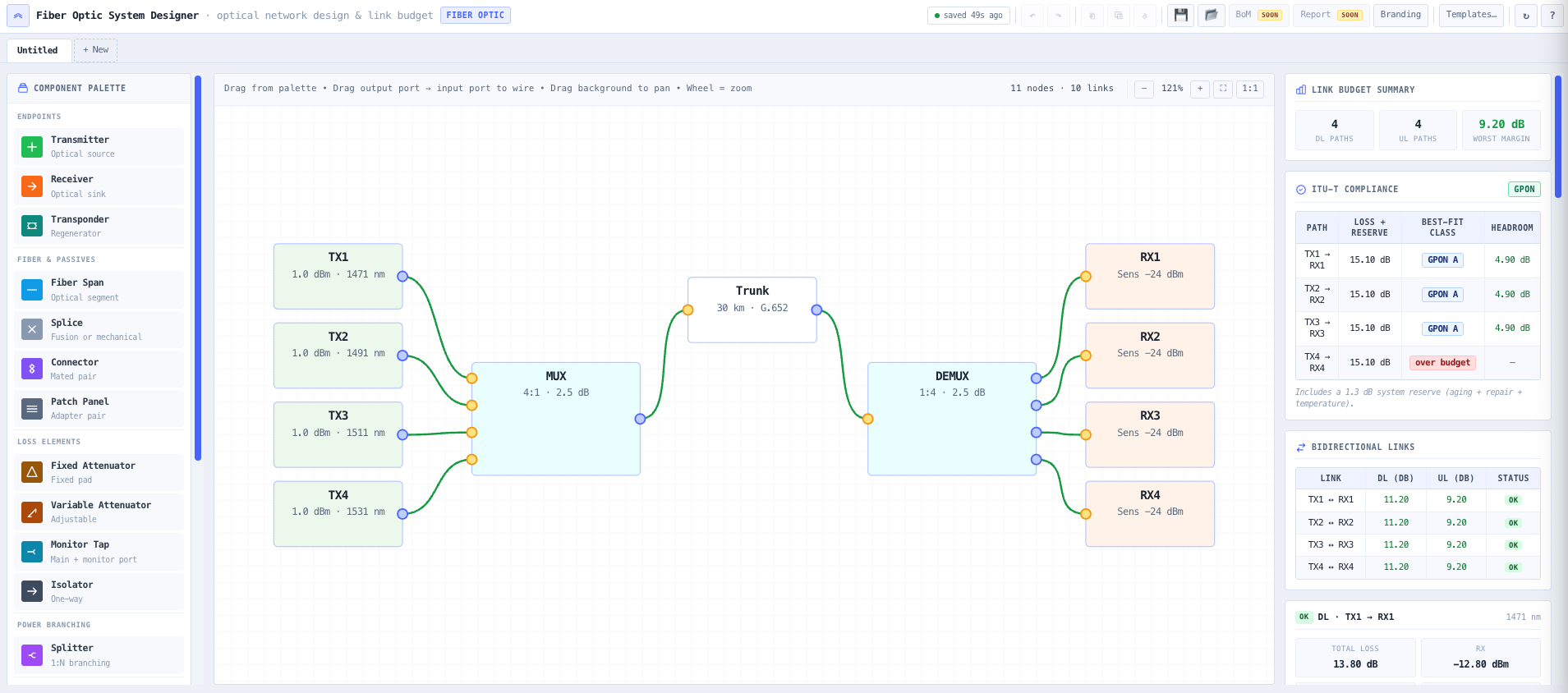
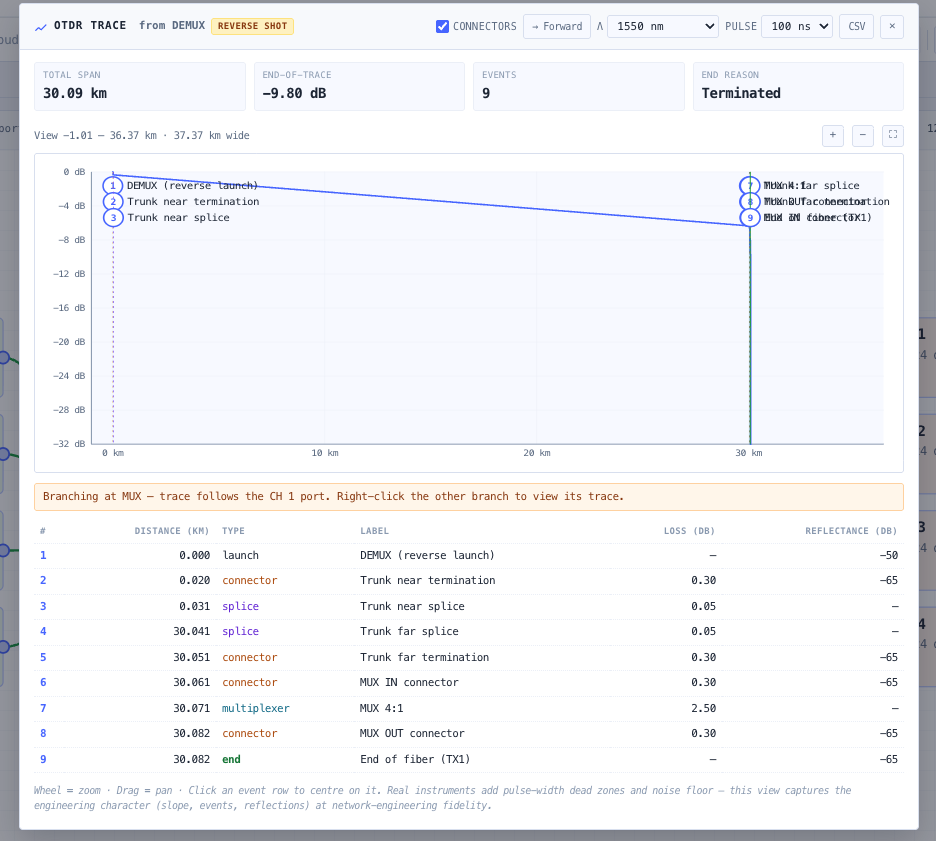
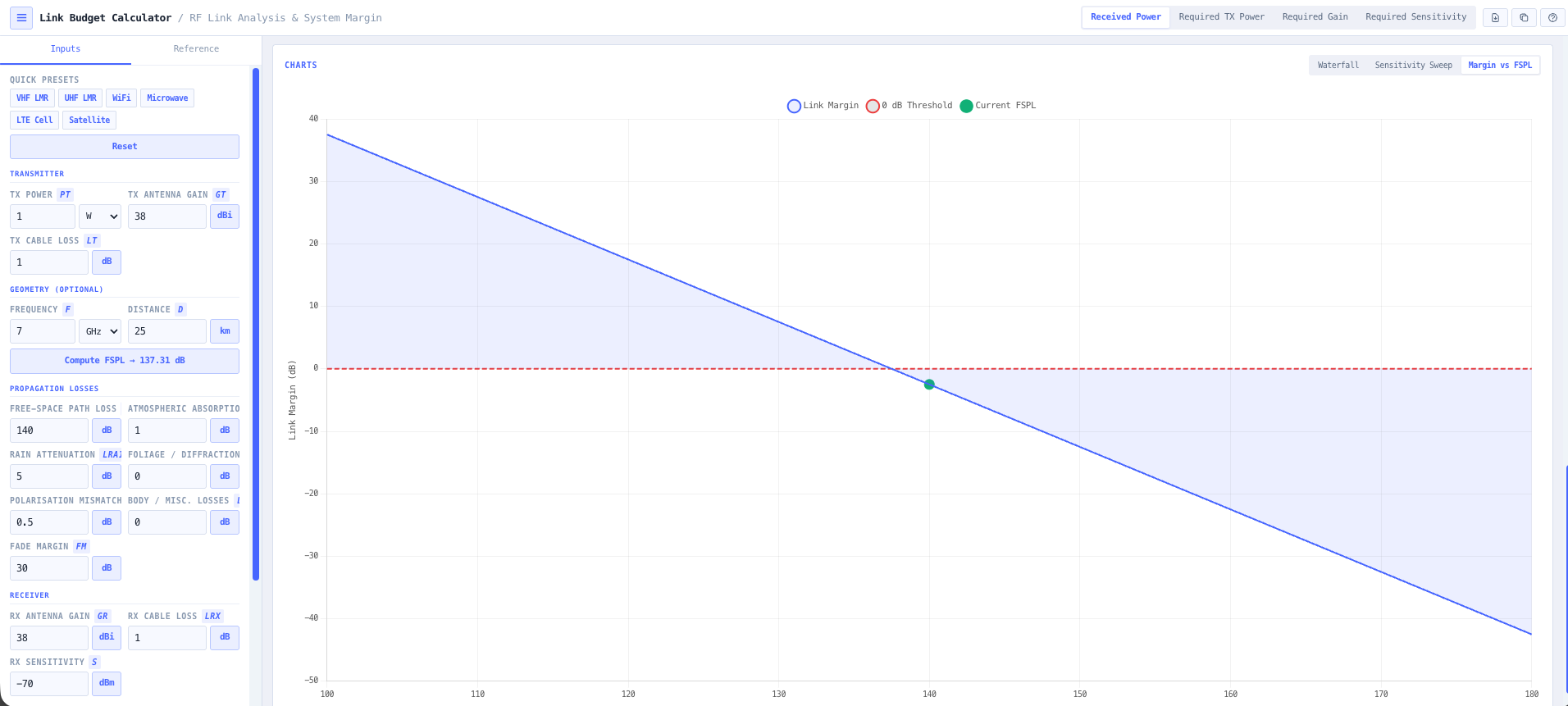
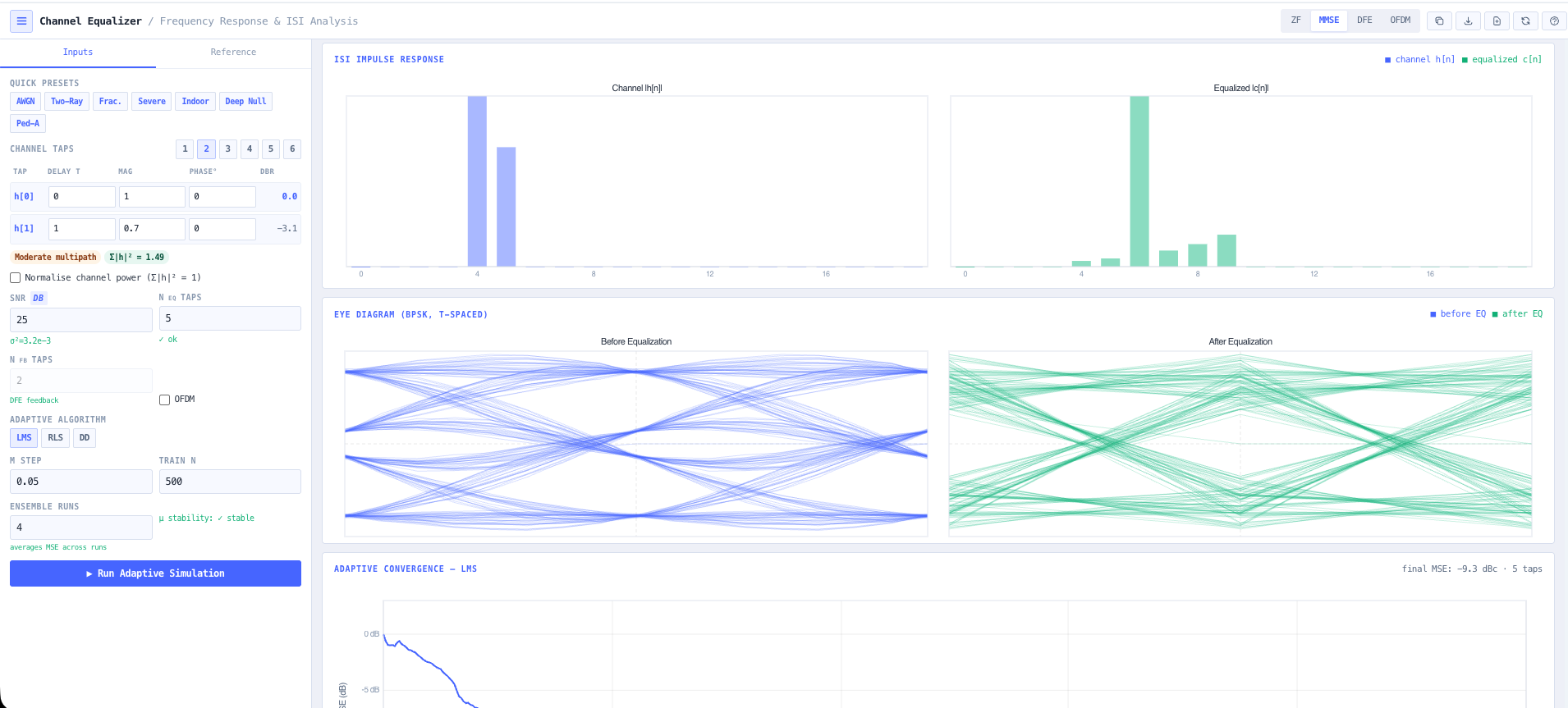
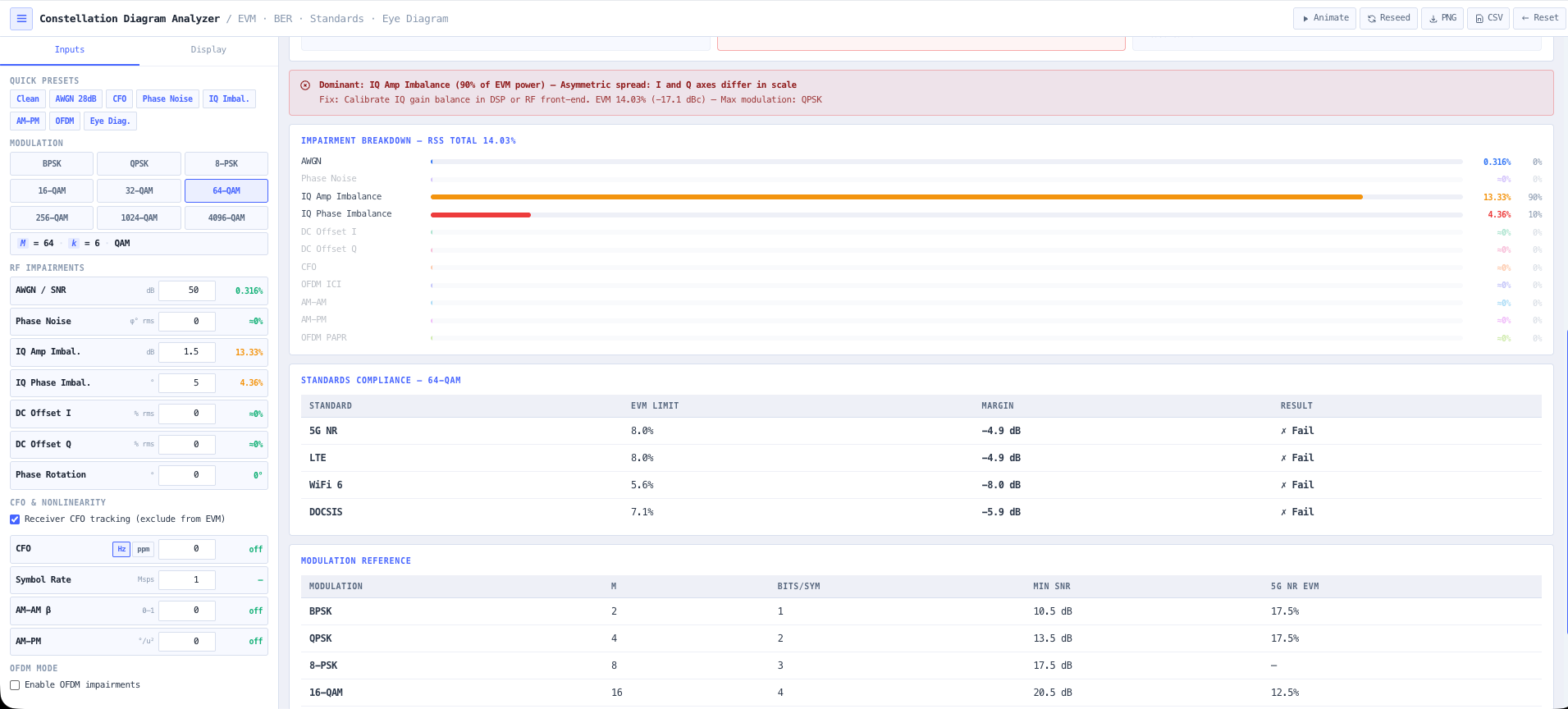
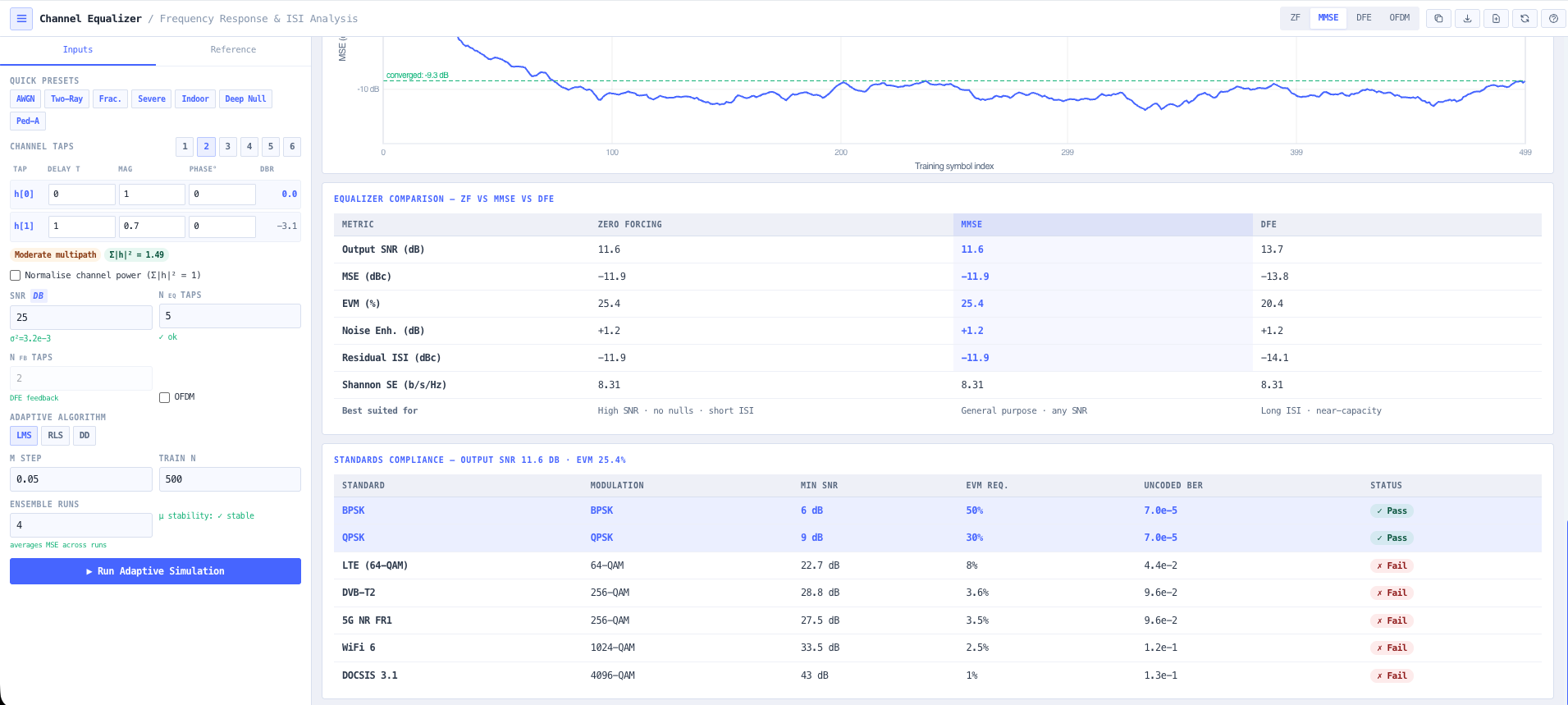
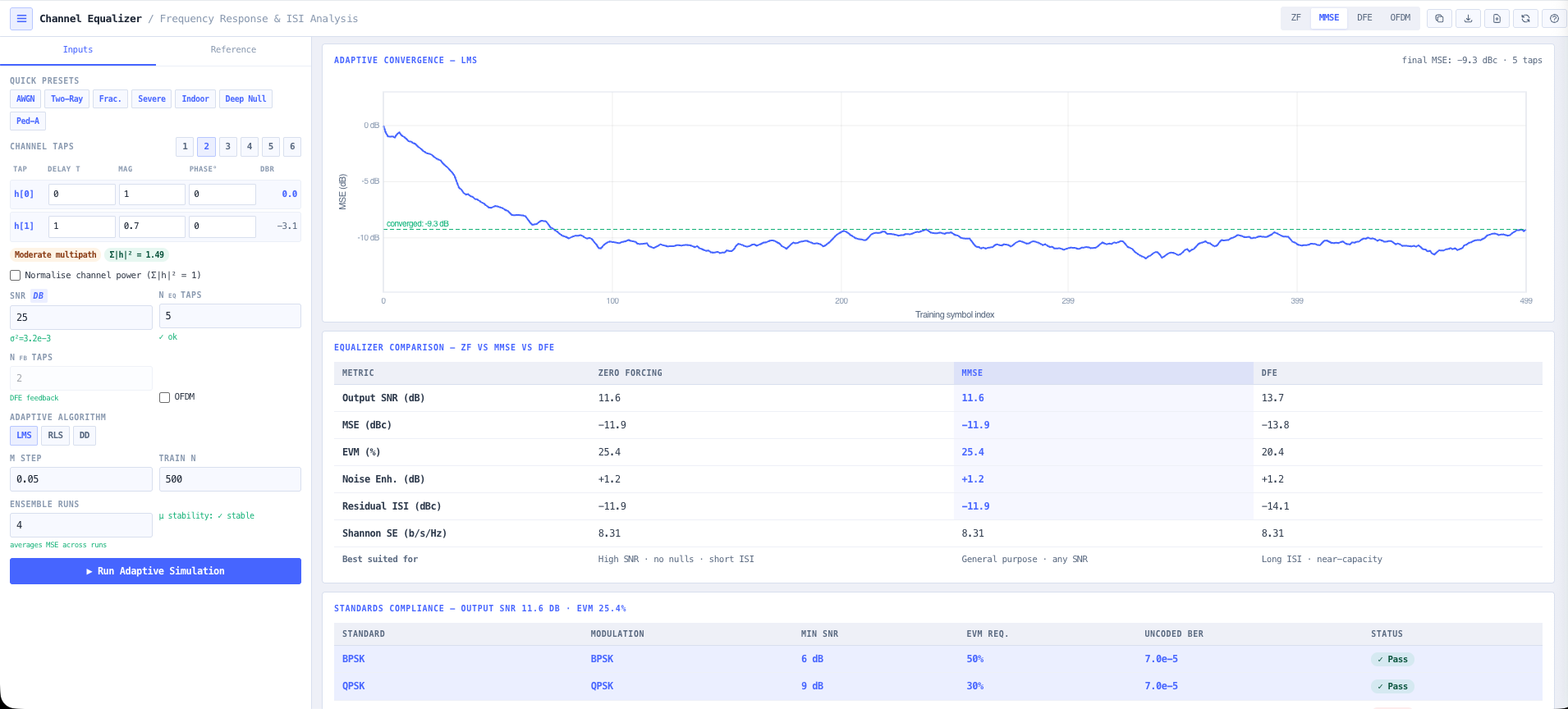
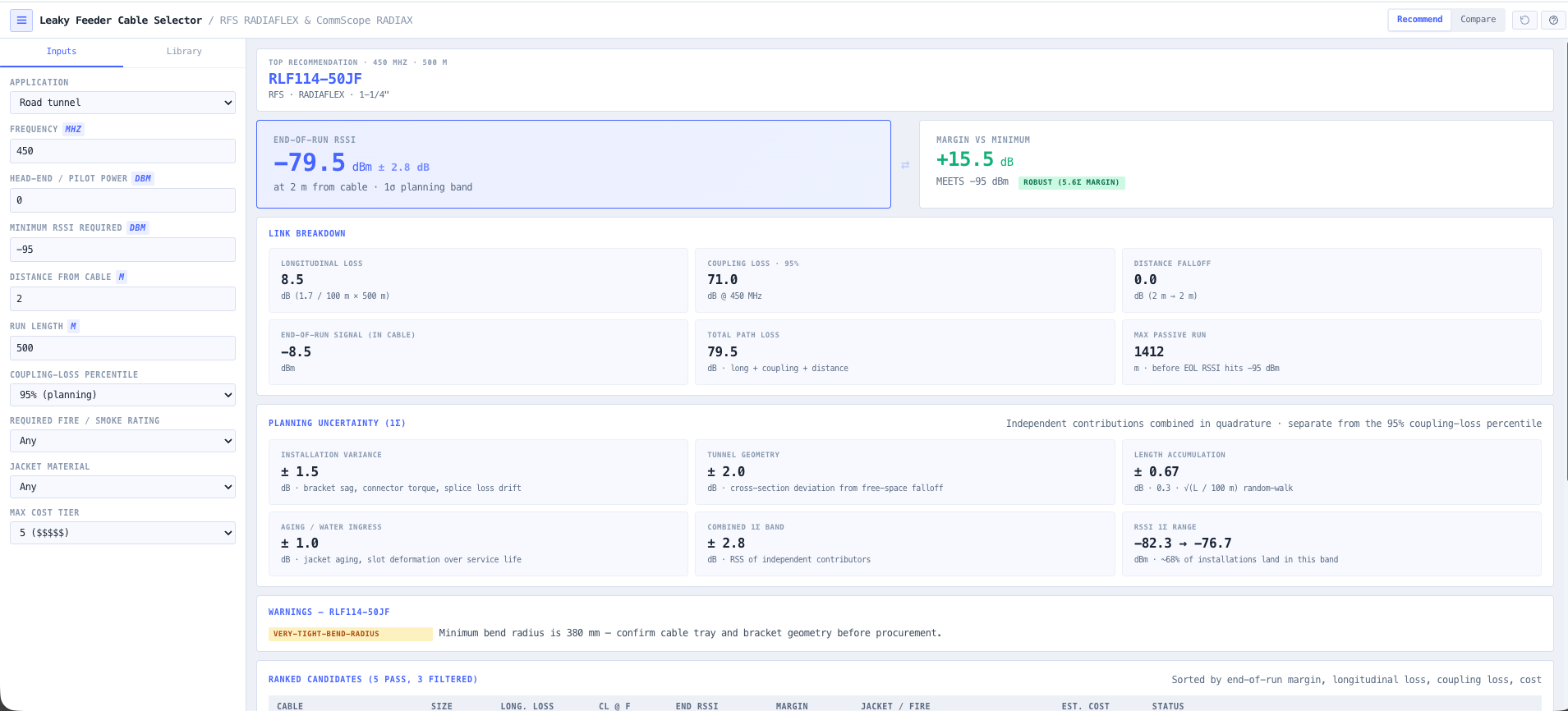
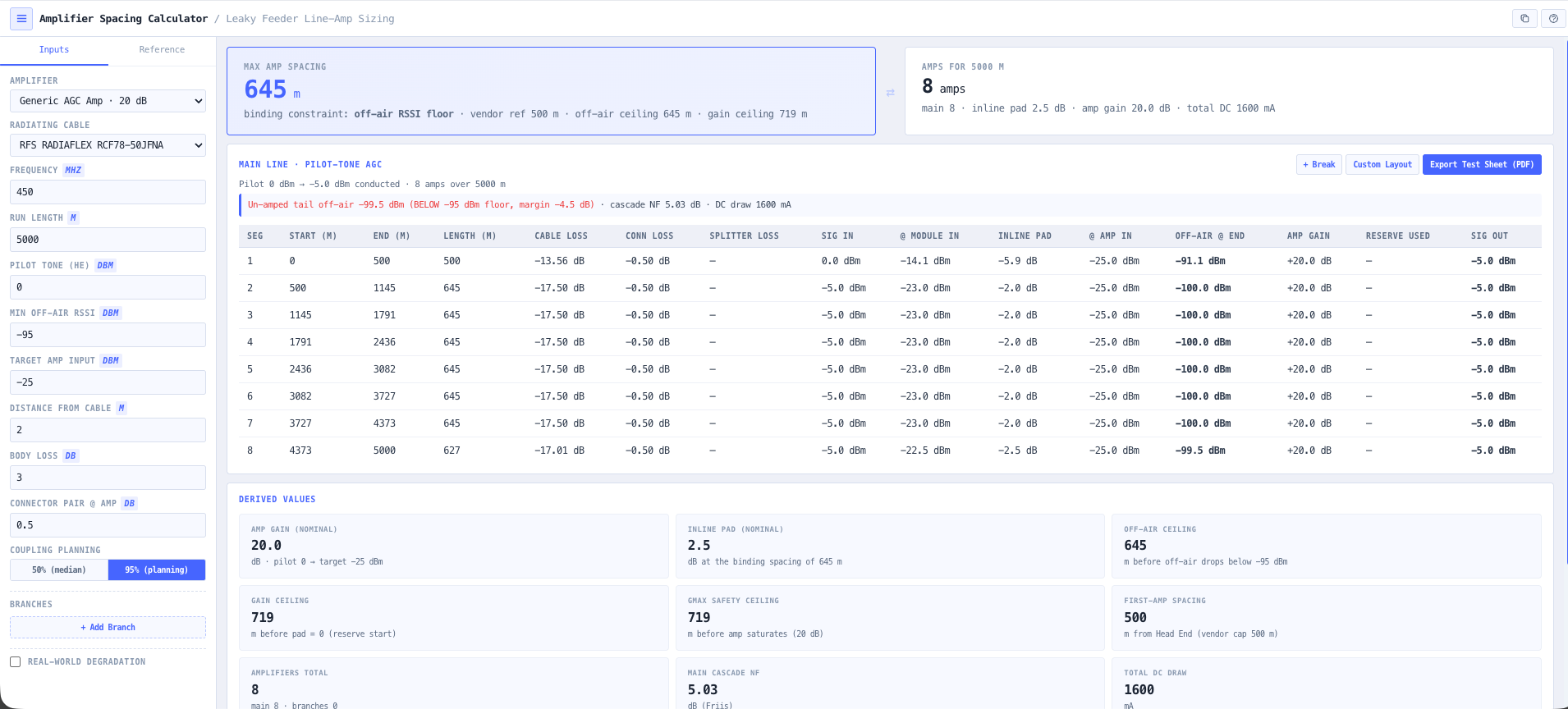
Leaky Feeder Cable Selector, as used in this walkthroughAmplifier Spacing Calculator, as used in this walkthroughIntermodulation Calculator, as used in this walkthroughLeaky Feeder Designer, as used in this walkthrough3D Leaky Feeder Coverage, as used in this walkthrough
Step 1 of 5

Leaky Feeder Cable Selector

Pick the radiating cable for your frequency and run length, with coupling and longitudinal loss straight from the vendor specs.

Open the tool →
Step 2 of 5

Amplifier Spacing Calculator

Work out where the line amplifiers sit to hold signal above the coupling threshold, and check the DC voltage drop across the full run.

Open the tool →
Step 3 of 5

Intermodulation Calculator

Run 3rd and 5th order products across the proposed channel set so the plan does not bite you the day after commissioning.

Open the tool →
Step 4 of 5

Leaky Feeder Designer

Lay the head end, cable runs, splitters, and amplifiers on the network canvas and watch the level budget resolve down the line.

Open the tool →
Step 5 of 5

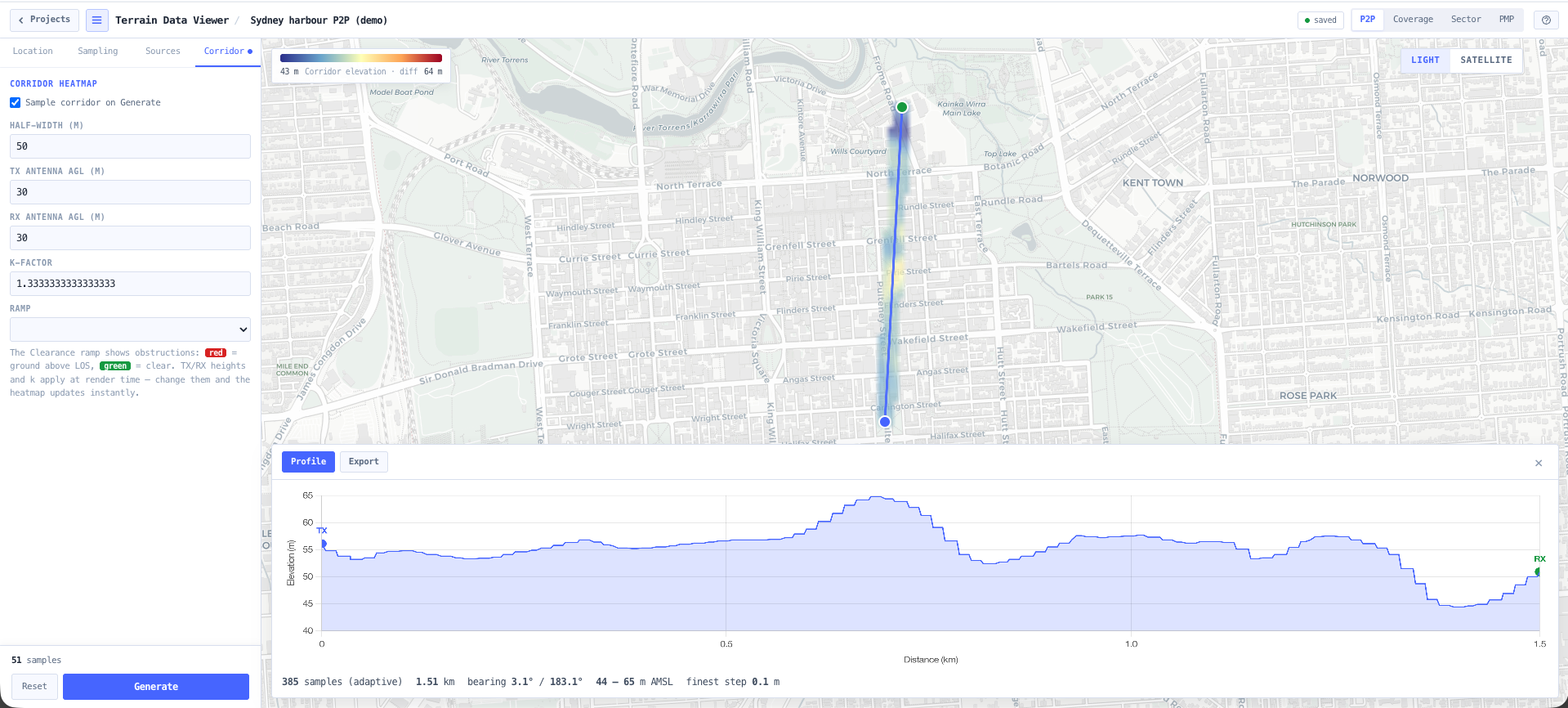
3D Leaky Feeder Coverage

See predicted coverage along the heading before any cable is pulled, so the holes show up on screen instead of on shift.

Open the tool →
You walk away with

A level balanced leaky feeder design with cable selection, amplifier spacing, a DC budget, an intermod-clean channel set, and predicted coverage along the heading.

  • Coverage holes show up on screen, not on shift
  • An intermod-clean channel set that survives commissioning
  • A design a contractor can build straight from, DC budget proven
Why design it here

A platform you can audit, not a black box

The reason engineers reach for these tools on a real job: the working is visible, the data is real, and the outputs are something you can hand on.

The maths is shown

Every number is on screen. Open the working, change an input, watch it recompute. Nothing happens in a black box.

Anchored to real data

Models sit on top of real reference data, such as ACMA spectrum, terrain, and published cable and antenna specs, rather than invented constants.

Tools that chain

Outputs from one tool feed the next. The terrain profile you pull becomes the link budget becomes the fade margin.

Australian made, works anywhere

Built in Australia around the ACMA framework, with engineering tools built to published standards, so the calculations hold wherever you work.

Industries

Built for the sectors that depend on their communications

Each one opens the walkthrough that shows what the tools do for it.

Pick a walkthrough and start designing

Every step opens a live tool. Every new account gets 14 days of every Pro tool free, with no card needed, and 105 tools to work with.