How many antenna types are in the database?
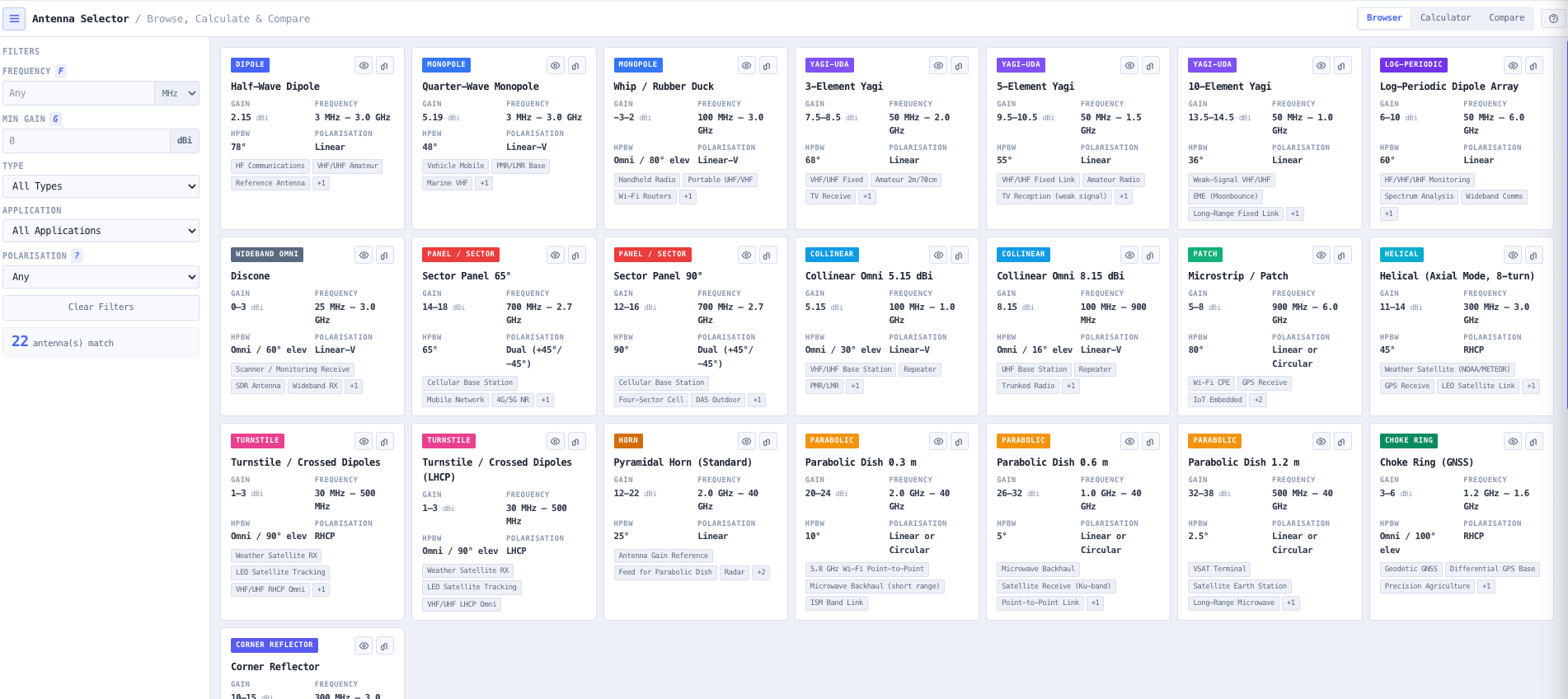
More than twenty common archetypes covering dipoles, monopoles, Yagi Uda arrays from 3 to 10 elements, log periodic arrays, discone wideband, sector panels in 65 and 90 degree azimuth widths, collinear omnis, microstrip patch antennas, axial mode helicals, turnstiles, pyramidal horns, parabolic dishes from 0.3 m to 1.2 m, GNSS choke rings, and corner reflectors. Each entry has consistent gain, beamwidth, polarisation, and frequency range data.
What units are used for gain?
All gain values are in dBi (decibels referenced to an isotropic radiator). This is the consistent reference used by IEEE 145, ITU recommendations, and most professional antenna engineering. Beware that some manufacturer datasheets quote gain in dBd (referenced to a half wave dipole), which differs from dBi by 2.15 dB. The selector uses dBi throughout to remove this as a source of comparison error.
Which polarisations are supported?
Linear (horizontal or vertical, often labelled simply linear), linear vertical for omnidirectional verticals, circular (sense unspecified), right hand circular polarisation (RHCP) commonly used for GPS and amateur satellite, and dual slant (plus or minus 45 degrees) common in cellular sector panels for cross polarisation diversity.
How do I filter by application?
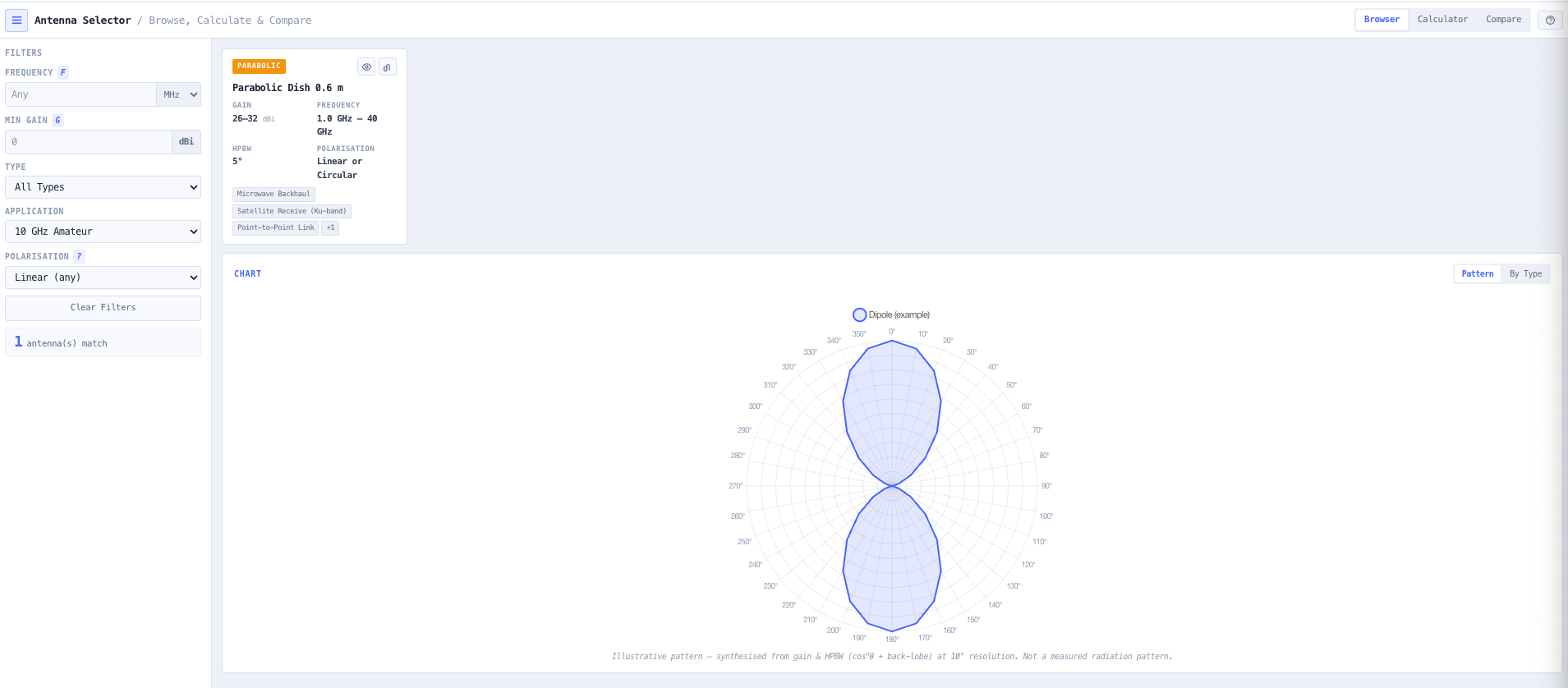
Application profiles cover Cellular Base Station, Microwave Backhaul, VSAT Terminal, Weather Satellite RX, Amateur VHF and UHF, WiFi Point to Point, GNSS Precision, Radar Reference, and SDR Monitoring. Each profile pre populates a sensible starting filter set (frequency range, minimum gain, polarisation, antenna type) so you reach the right archetype quickly. Manual filtering remains available for unusual deployments.
What does side by side comparison actually show?
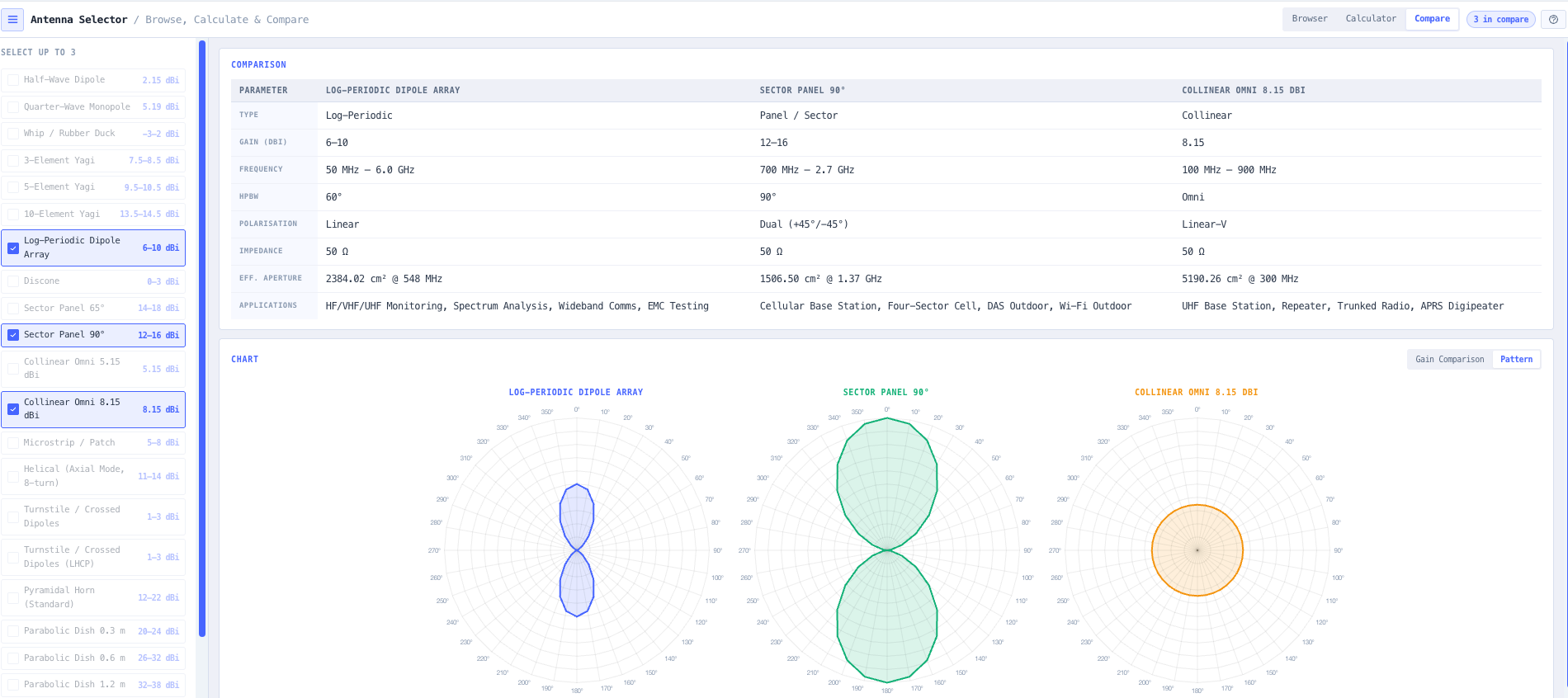
For each selected candidate, the comparison panel shows gain in dBi, half power beamwidth in degrees, frequency coverage, polarisation, directivity, and application suitability. The intent is to make trade offs explicit. A 17 dBi 90 degree sector panel and a 12 dBi 360 degree collinear omni cover very different deployment scenarios and the comparison view makes the difference obvious to a non specialist stakeholder.
How does the integrated parameter calculator work?
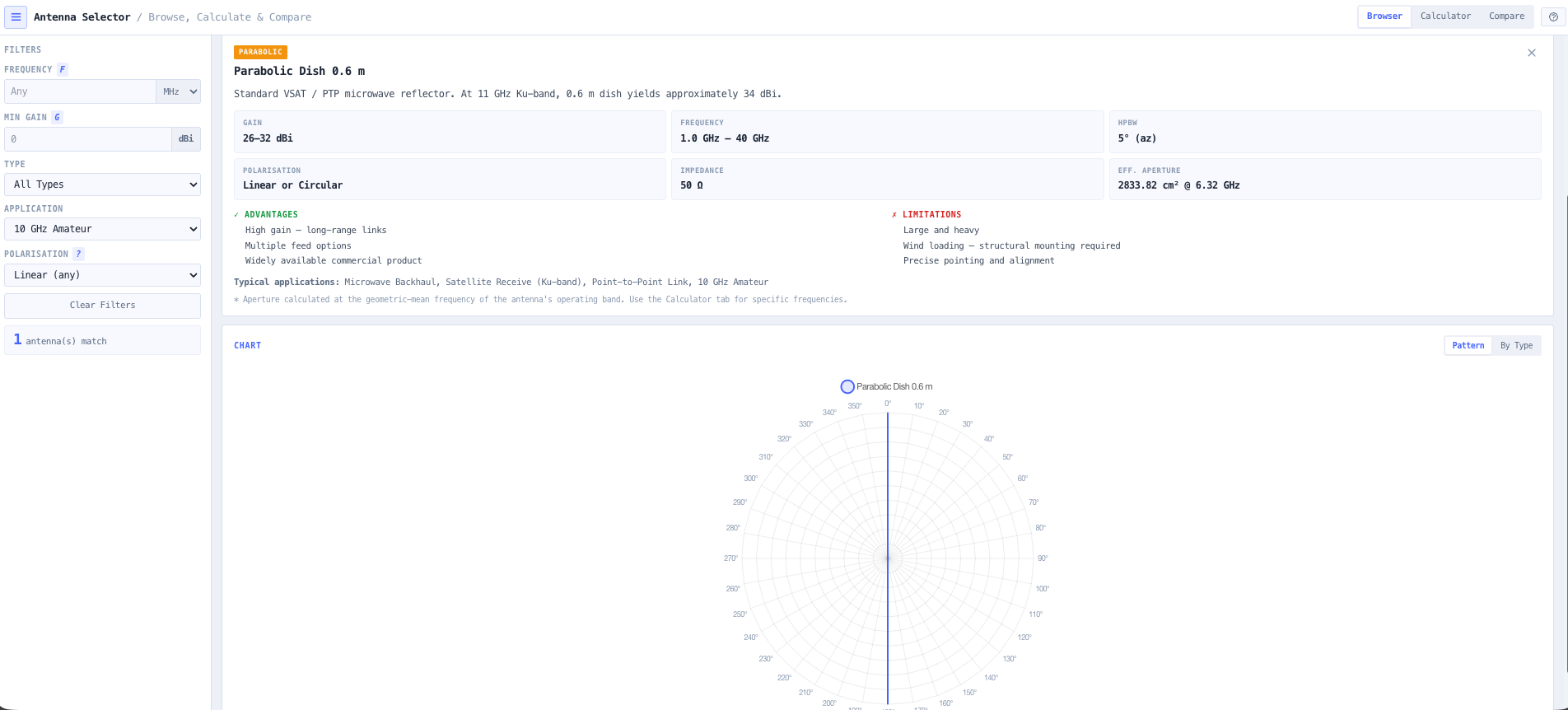
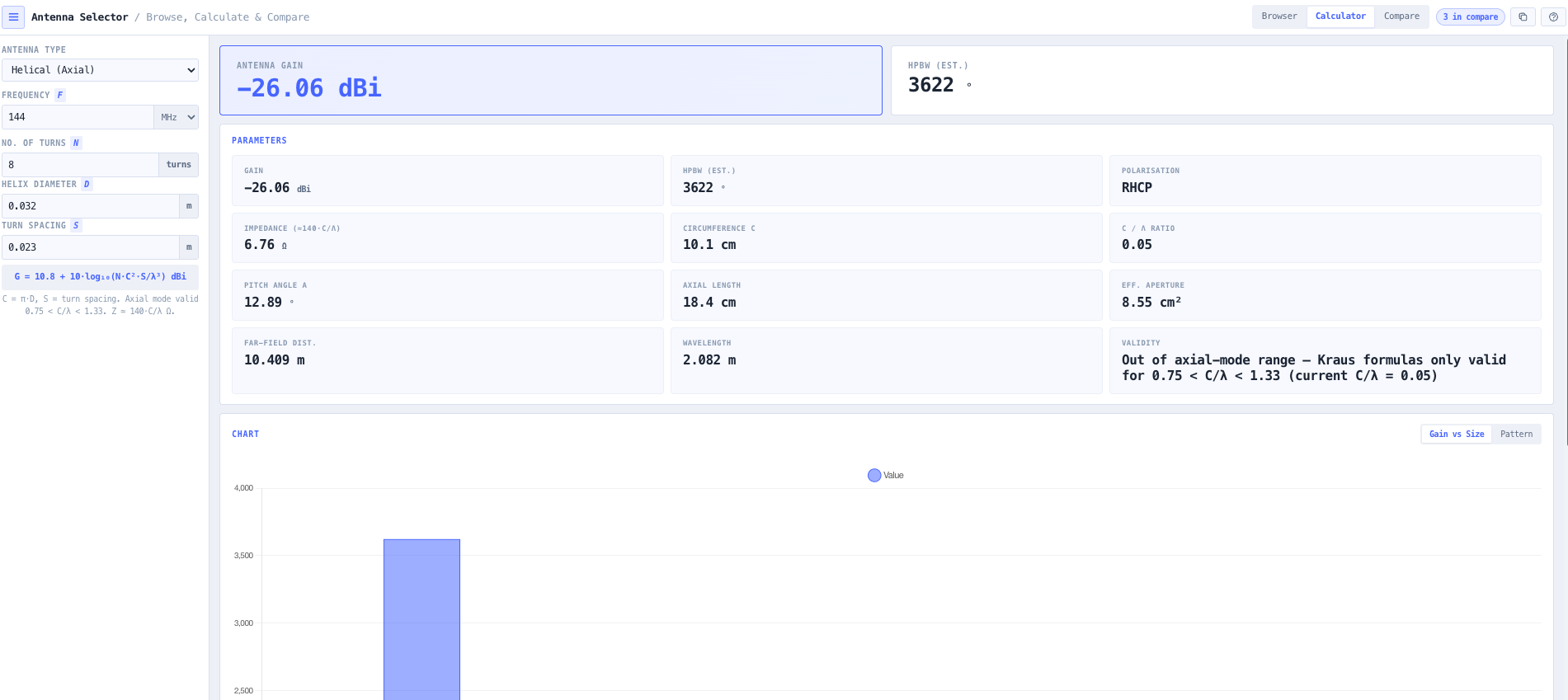
Switch from selection to calculator mode without leaving the workspace. Enter operating frequency and the calculator returns wavelength, effective aperture, and approximate beamwidth from gain. Useful when evaluating frequency changes against an existing antenna, or when sanity checking a vendor datasheet against the underlying antenna physics.
How is this different from the Parabolic Antenna Calculator and the Antenna Builder?
The Antenna Selector is the right tool for shortlisting antenna archetypes against application requirements. The Parabolic Antenna Calculator is the deeper tool for parabolic dish gain, beamwidth, and aperture analysis once you have decided on a dish. The Antenna Builder is the full antenna pattern modelling environment for building a specific design with detailed elevation and azimuth response. Use the selector for shortlisting. Use the parabolic calculator for dish detail. Use the builder for full pattern work.
Does any data leave my browser?
No. The selector runs entirely in your browser. No design parameters, candidate selections, or comparison data are submitted to a server. Useful for commercially sensitive cellular and broadcast infrastructure work, defence and security installations, or environments where information security policy prohibits sending engineering data to third party services.